Monitor Arm vs. Monitor Stand: Which Is Better for Your Neck?
We compared both on flexibility, desk space, and price. The differences surprised us — and changed how we set up dual screens.
Key takeaways
- Your eyes should land on the top third of the screen when you look straight ahead.
- Arms free up desk depth; stands are simpler and cheaper.
- Dual monitors need an arm to sit at identical heights.
This article contains affiliate links. If you purchase through our links, The Chic Workspace may earn a commission at no additional cost to you. As an Amazon Associate I earn from qualifying purchases. We only recommend products we believe are useful for creating a beautiful, functional workspace. Read our affiliate disclosure.
The right monitor height
Sit tall, close your eyes, open them, and note where your gaze lands. That spot should be the top third of your screen. Most monitors ship 2–4 inches too low, which encourages you to hunch forward or tilt your neck downward throughout the day. A monitor riser or adjustable stand is an easy way to bring your display to a more ergonomic height. Once your monitor is properly positioned, you'll likely notice less neck tension and better posture during long work sessions.
When an arm wins
Monitor arms shine on shallow desks, in closet offices, and for dual-monitor setups. Pull the screen forward for detailed work and push it back for video calls. Because the monitor floats above the desk, you also free up valuable surface space for notebooks, speakers, or other essentials. Most arms allow you to adjust height, tilt, and rotation in seconds, making it easy to switch between sitting and standing or accommodate different users. It's one of the simplest upgrades for creating a more flexible, comfortable, and clutter-free workspace.
When a stand wins
If you have a deep desk and a single monitor, a wooden monitor shelf lifts the screen, adds storage underneath, and costs a fraction of an arm. It's a simple, stylish solution that doesn't require clamping to your desk or adjusting hardware. The space underneath is perfect for storing a keyboard when it's not in use, along with notebooks, a laptop, or other small accessories to keep your desktop clear. A wooden stand also introduces warmth and texture to your workspace, making it feel more polished while improving your ergonomics at the same time.
Buying guide
Our Top Picks
- Dual Monitor Stand
- Best for
- Home-office users, multitaskers, and gamers who want a cleaner desk and more flexible dual-monitor setup.
- Size
- Key feature
- Frees up valuable desk space
- Price
- $59.99
- Score
- 4.6/5
- Single Computer Monitor Stand with Cable Management
- Best for
- Home-office users with a single monitor who want to free up desk space and improve screen positioning.
- Size
- Key feature
- Frees up desk space
- Price
- $30.23
- Score
- 4.4/5
#3 Best Premium
Single Monitor Stand- Best for
- Home-office users who want a stable tabletop stand with adjustable height and swivel capability for a monitor or small TV.
- Size
- Key feature
- Swivels for flexible viewing
- Price
- $26.99
- Score
- 4.6/5
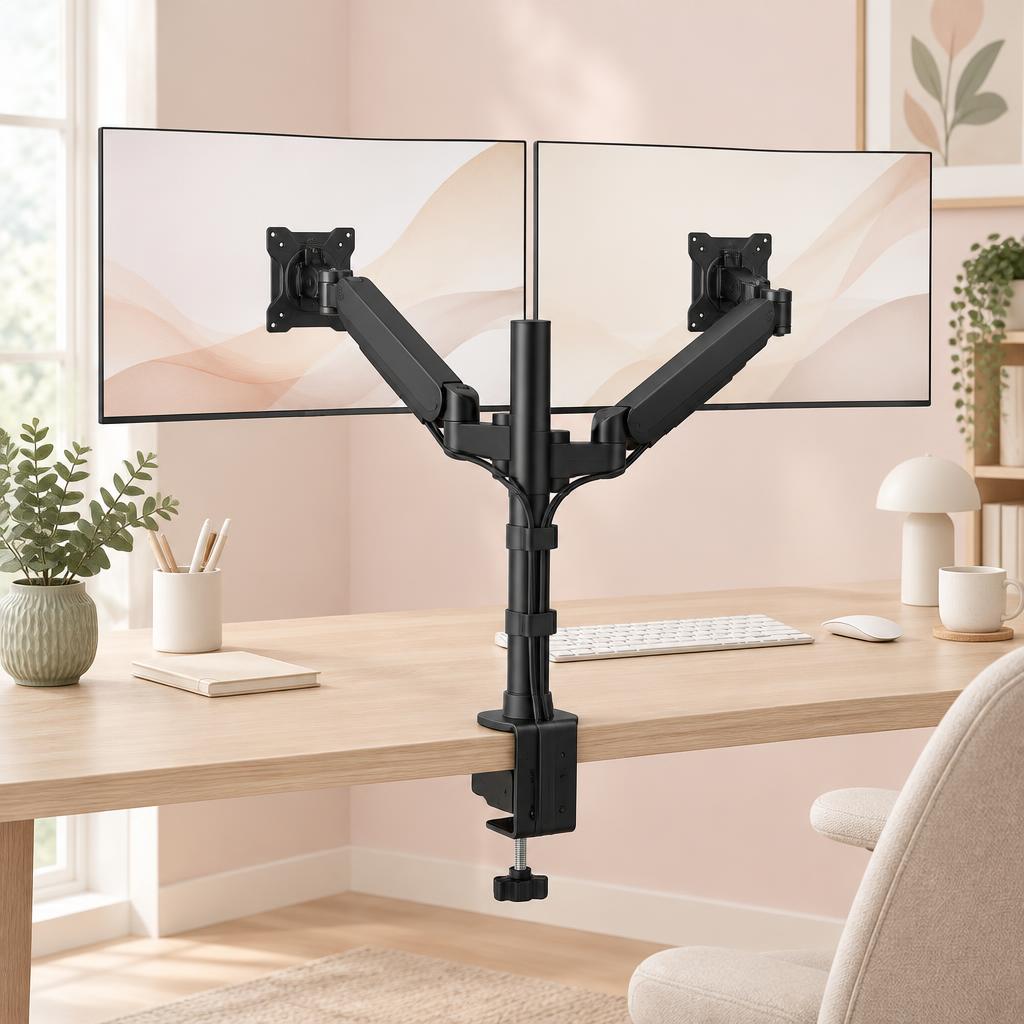
Dual Monitor Stand
HUANUO
Best for: Home-office users, multitaskers, and gamers who want a cleaner desk and more flexible dual-monitor setup.
Home-office users, multitaskers, and gamers who want a cleaner desk and more flexible dual-monitor setup.
Key features
- Frees up valuable desk space
- Fully adjustable viewing angles
- Supports two monitors
- VESA
- 75 × 75 mm and 100 × 100 mm
- Arm reach
- approximately 19.7"
- Fits monitors
- 13"–32"
- Weight capacity
- up to 17.6 lb per arm
Pros
- Frees up valuable desk space
- Fully adjustable viewing angles
- Supports two monitors
Cons
- Requires a sturdy desk
- Cable management can take some setup

Single Computer Monitor Stand with Cable Management
Amazon
Best for: Home-office users with a single monitor who want to free up desk space and improve screen positioning.
Home-office users with a single monitor who want to free up desk space and improve screen positioning.
Key features
- Frees up desk space
- Adjustable viewing position
- Sturdy and practical design
- Adjustable height
- Single-monitor design
- Desk clamp installation
- VESA-compatible mounting
- Tilt and swivel functionality
- Helps create a cleaner, more organized workspace
Pros
- Frees up desk space
- Adjustable viewing position
- Sturdy and practical design
Cons
- Only supports one monitor
- Requires a compatible VESA mount

#3 Best Premium
Single Monitor Stand
Rfiver
Best for: Home-office users who want a stable tabletop stand with adjustable height and swivel capability for a monitor or small TV.
Home-office users who want a stable tabletop stand with adjustable height and swivel capability for a monitor or small TV.
Key features
- Swivels for flexible viewing
- Adjustable height
- Sturdy universal design
- Swivel functionality
- Stable tempered-glass base
- Multiple height adjustments
- Works with TVs and monitors
- Heavy-duty steel construction
- Universal VESA compatibility up to 200 × 200 mm
Pros
- Swivels for flexible viewing
- Adjustable height
- Sturdy universal design
Cons
- Requires desk/tabletop space
- Not ideal for very large displays
Products mentioned
| Product | Rating | Best for | Price |
|---|---|---|---|
| Single Computer Monitor Stand with Cable Management | 4.4 | Home-office users with a single monitor who want to free up desk space and improve screen positioning. | $30.23 |
 gianotter Monitor Stand Riser with Drawer & Pen Holders gianotter Monitor Stand Riser with Drawer & Pen Holders | 4.7 | Keeping a clean, organized desk with everything within reach | $29.99 |
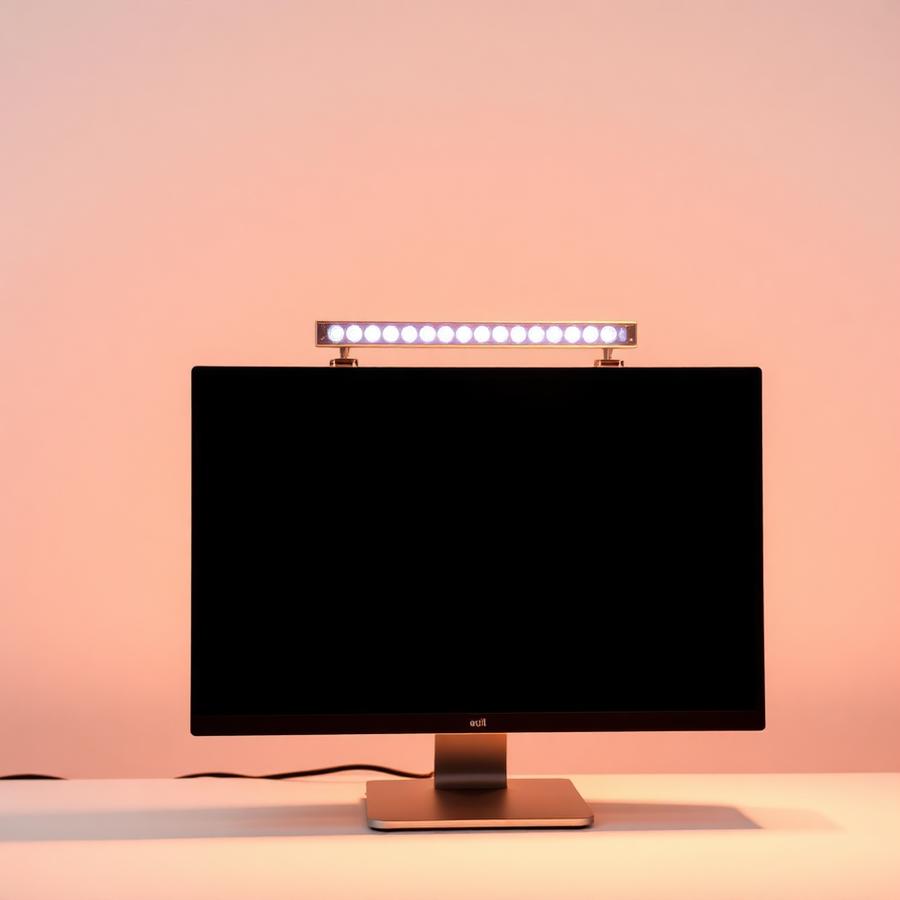 Curved Monitor Light Bar with RGB Backlight Curved Monitor Light Bar with RGB Backlight | 4.7 | Large ultrawide curved monitors and glare-free late-night work | $59 |
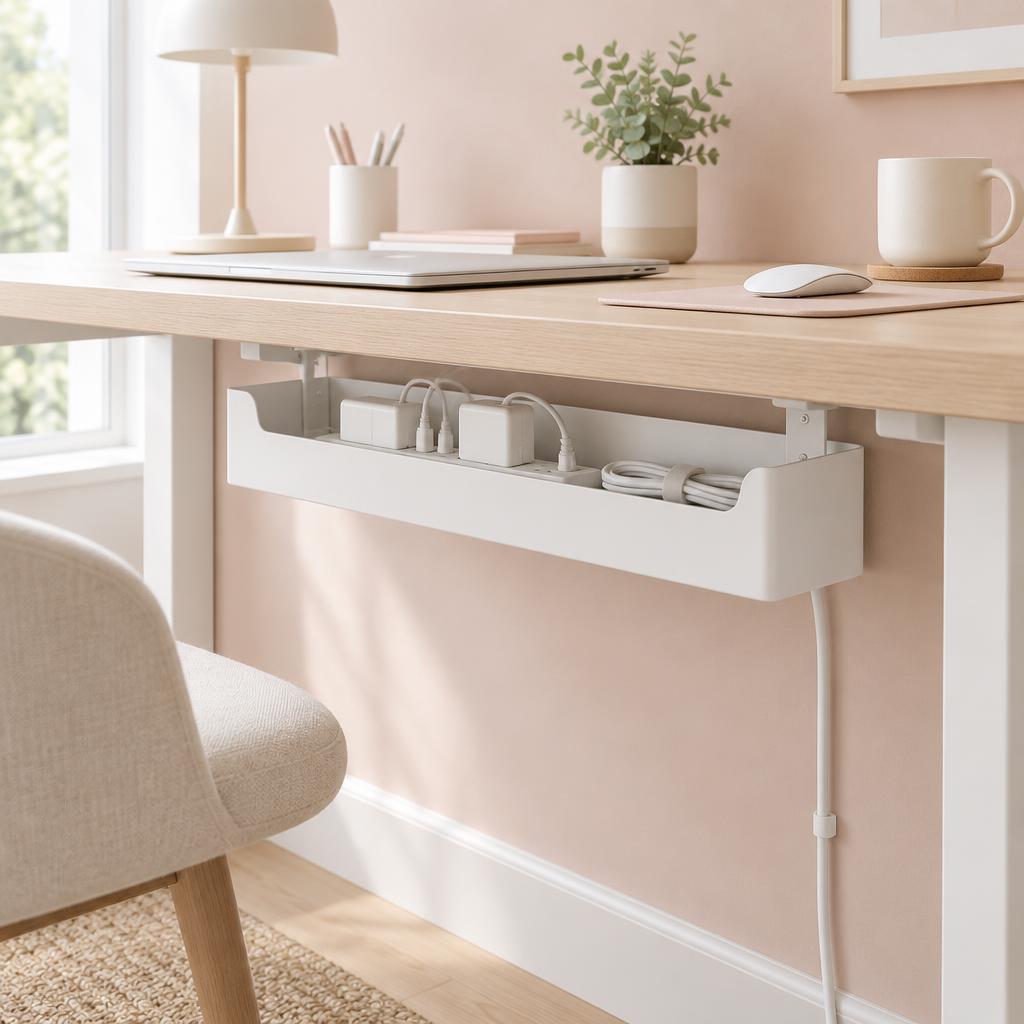 Under Desk Cable Management Box Under Desk Cable Management Box | 4.8 | Home offices with multiple cords, power strips, and chargers that need to be neatly hidden and organized. | $20.74 |
Frequently asked questions
Which is better for neck pain?
Either, as long as it brings the top of the screen to eye level. An arm wins if you change posture during the day, because it moves with you.
When is a stand the better buy?
When your screen has no VESA holes, your desk can't take a clamp, or you want the storage shelf underneath. Stands are cheaper and need no setup.
Do monitor arms free up much desk space?
Yes — you get back the whole footprint of the original base, which is usually enough room for a notebook or keyboard storage.
Are arms difficult to install?
Most take about 15 minutes with the supplied hex key. The fiddly part is setting the spring tension to match your screen's weight.
What if my monitor has no VESA mount?
A VESA adapter bracket fits many non-standard screens, including several popular all-in-ones. Check your exact model before buying one.
Can a riser work with a standing desk?
Yes, and it's a good pairing — the riser keeps the screen height right at both desk positions once you set the desk to your elbow height.
Save for later
Monitor Arm vs. Monitor Stand: Which Is Better for Your Neck?
The Chic Workspace
Pin this article
Written by
Isabelle Marchetti
Isabelle is a certified ergonomics enthusiast and interior-obsessed remote worker. She has tested more than 80 desks, chairs, and accessories so you can build a workspace that is as kind to your body as it is to your eyes.
More about Isabelle →Keep reading
You may also like
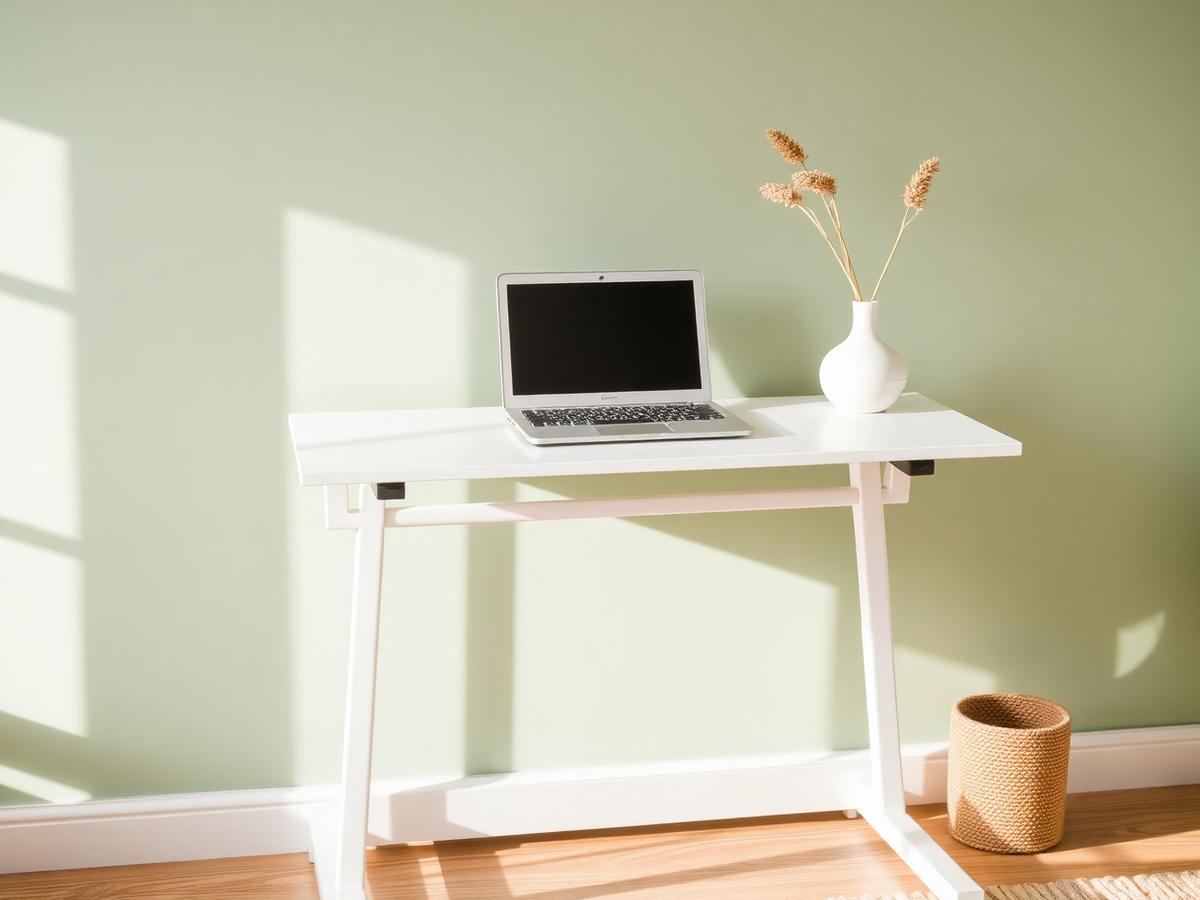
Standing Desks for Small Spaces: 5 Picks Compared & Ranked
We compared eleven compact standing desks on size, height range, stability, and value. These five are the ones we'd recommend first.
Read article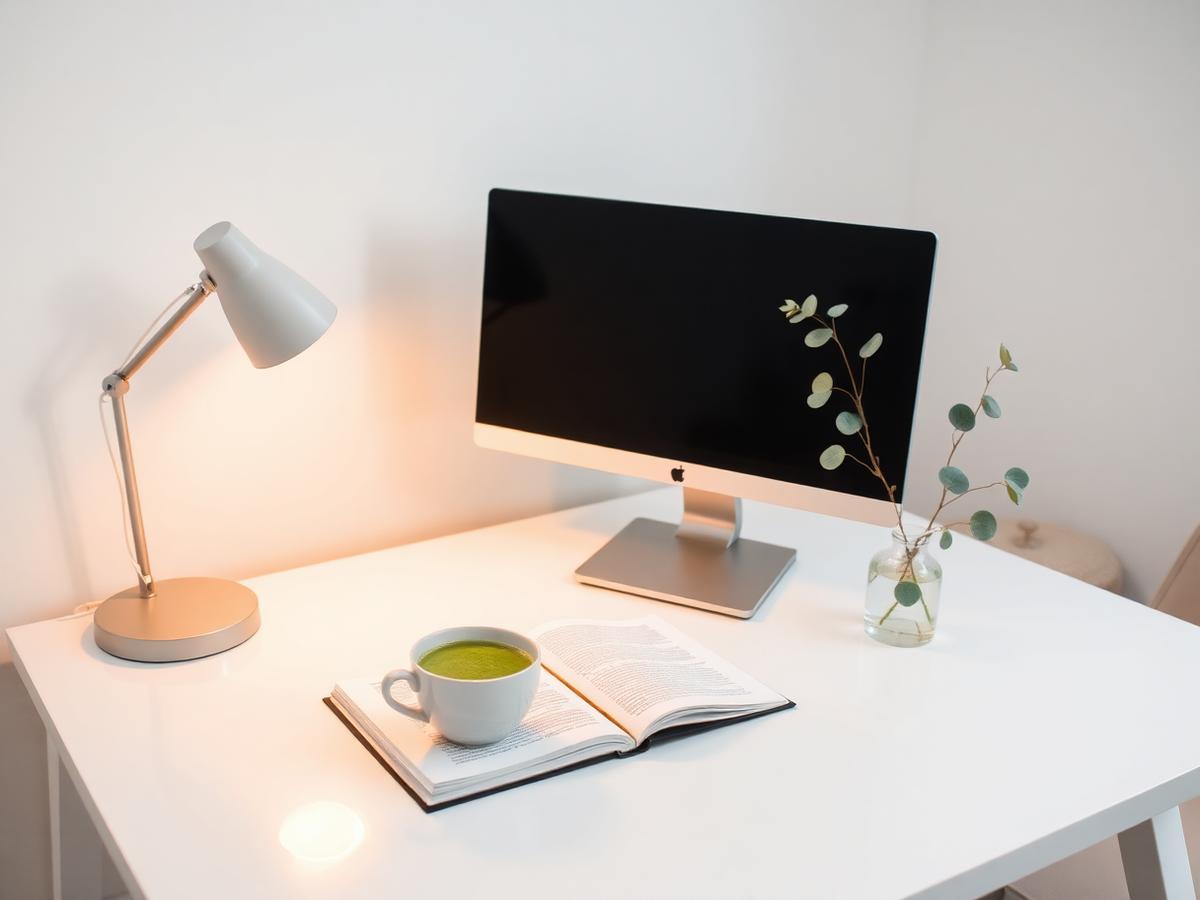
Do You Really Need a Monitor Light Bar? An Honest Guide
Screen bars are everywhere on Pinterest. After three months of headaches-free evenings, here's who actually benefits.
Read article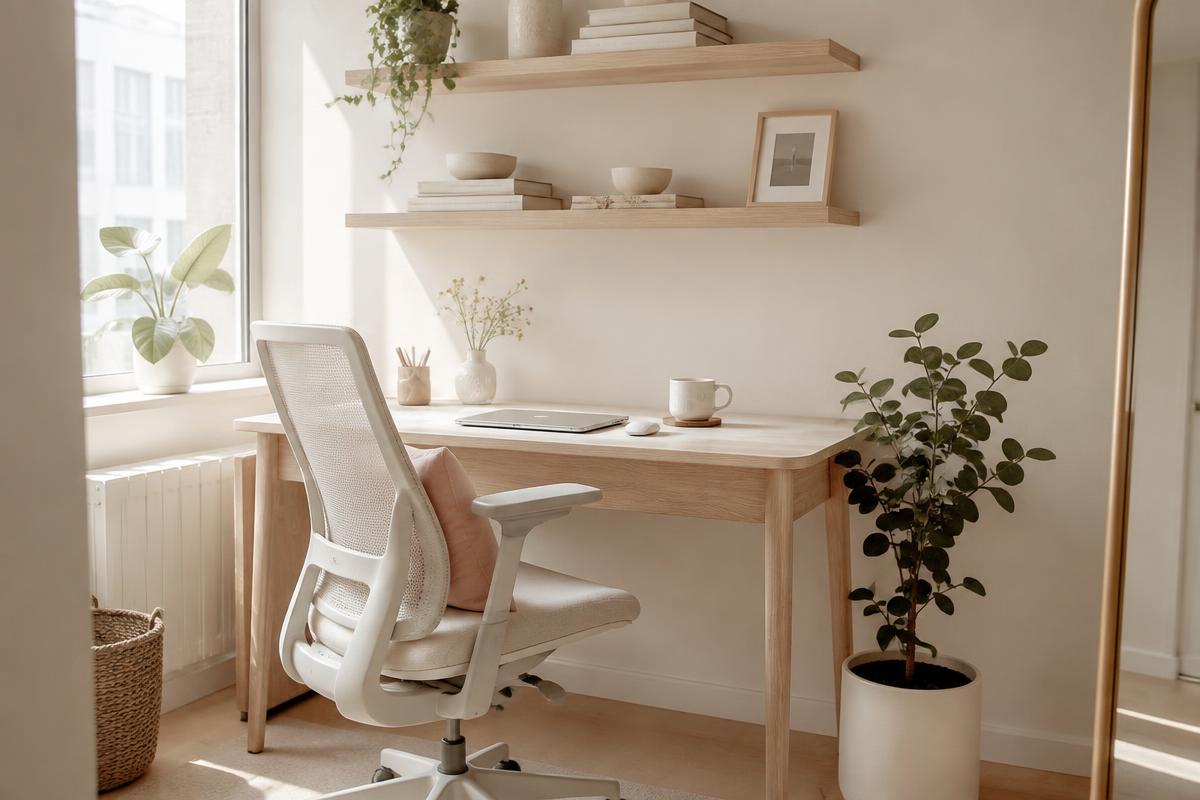
Office Chairs for Small Spaces: Comfortable, Chic & Ergonomic
Compact ergonomic chairs that support your back, tuck under a narrow desk, and still look beautiful in a living room or bedroom.
Read article