7 Desk Setup Fixes for Wrist Pain (That Actually Work)
Tingling, aching, or stiff wrists by 3pm? These changes remove the pressure without a single gadget purchase for most people.
Key takeaways
- Your wrists should float, not rest, while typing.
- Negative keyboard tilt is better than the little flip-out feet.
- A vertical mouse fixes forearm rotation, the most overlooked cause.
This article contains affiliate links. If you purchase through our links, The Chic Workspace may earn a commission at no additional cost to you. As an Amazon Associate I earn from qualifying purchases. We only recommend products we believe are useful for creating a beautiful, functional workspace. Read our affiliate disclosure.
Find a neutral wrist
A neutral wrist is flat, straight, and unrotated. Look down while typing: if your hands angle upward or your wrists press into the desk edge, you're loading the carpal tunnel all day.
Flatten (or reverse) your keyboard tilt
Fold down those flip-out keyboard feet — they extend your wrists. A flat or slightly negative tilt keeps the joint neutral.
Rotate the mouse, not the wrist
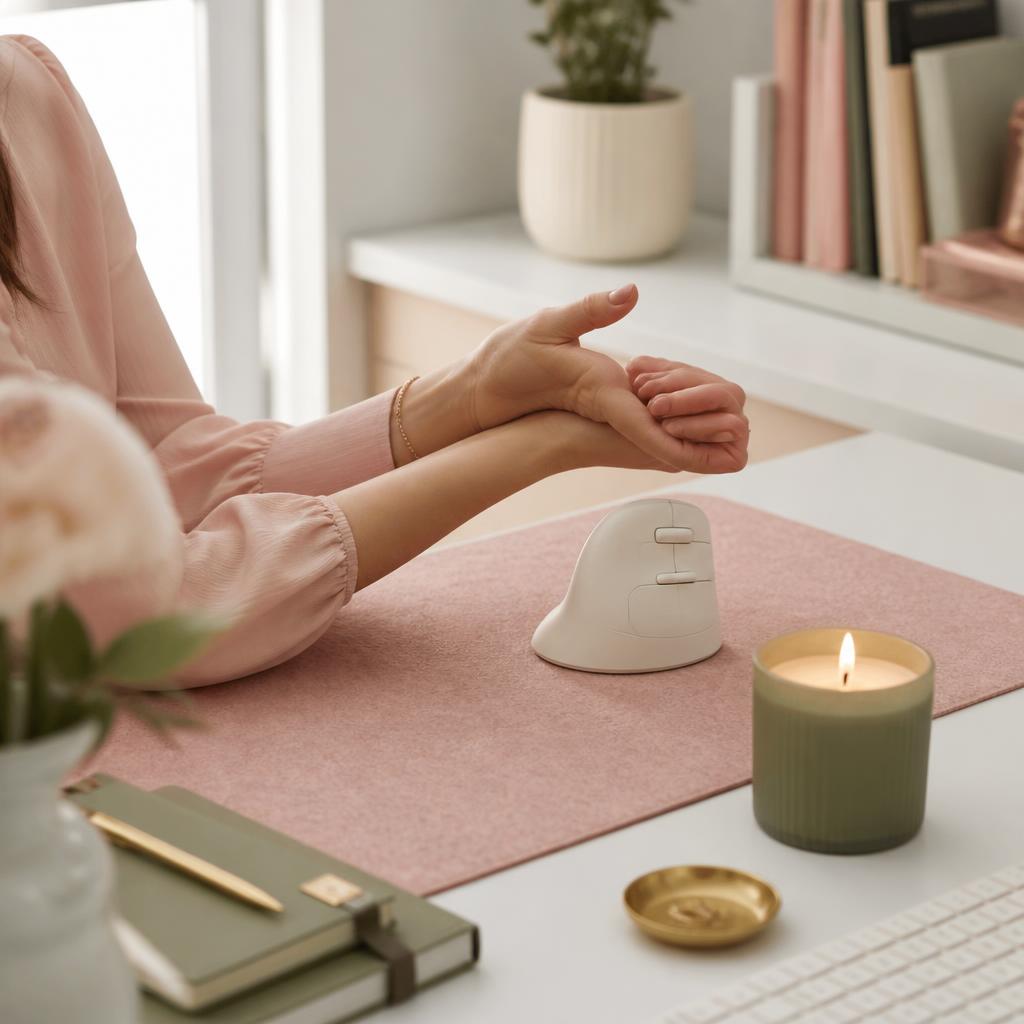
A vertical mouse holds your forearm in a handshake position, removing the twist that a flat mouse forces all day.
Float while you type
Hover your wrists above the desk as you type instead of planting them on the edge. Pressure on the underside of the wrist compresses the carpal tunnel; floating takes a few days to feel natural, but it's the single highest-impact habit change.
Fix your desk and chair height first
Wrist pain often starts upstream: a chair that's too low or a desk that's too high forces your shoulders up and your wrists into extension. Set your chair so your elbows sit at roughly 90 degrees and your forearms are parallel to the floor — a desk-height calculator does the math for you.
Take micro-breaks and stretch
Every 30 minutes, drop your hands to your sides for 10 seconds, then do a gentle prayer stretch (palms together, lower toward the waist) and a wrist extensor stretch. These take under a minute and reset the tendons before irritation builds.
Lighten your touch
Typing hard and hammering the mouse button is quiet strain. Choose light-actuation keyboard switches (35–45g), move your cursor with your whole arm instead of flicking the wrist, and lower your pointer speed so large arm movements do the work.
Products mentioned
| Product | Rating | Best for | Price |
|---|---|---|---|
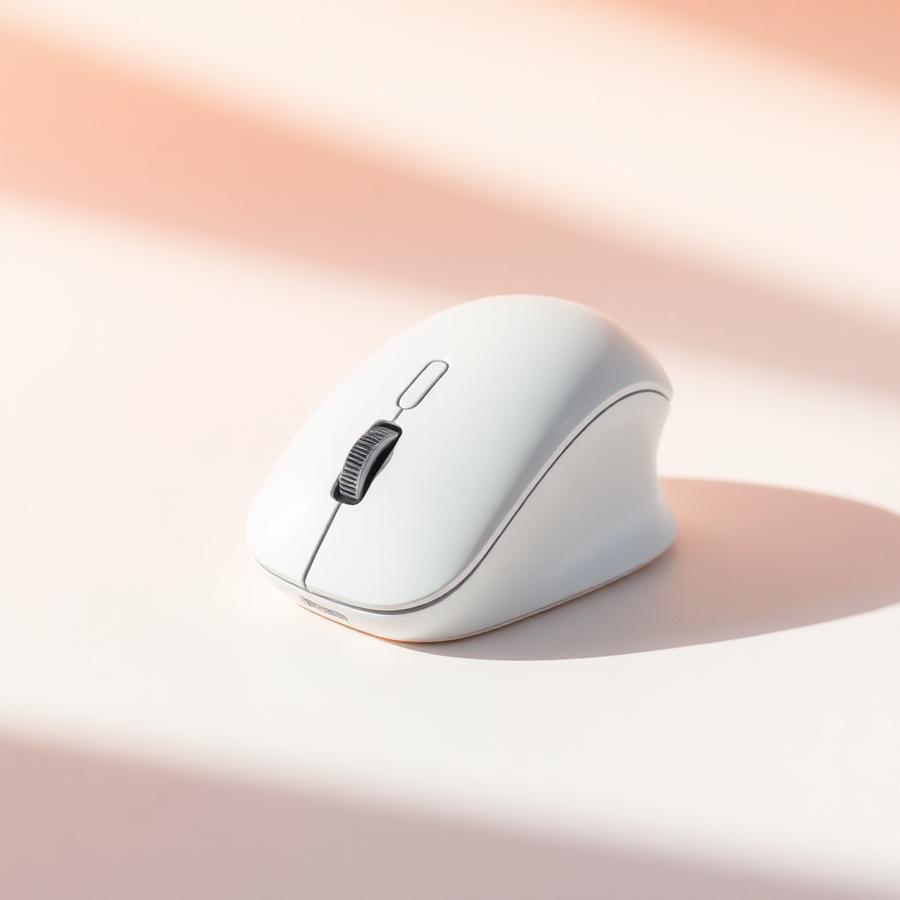 Ergonomic Mouse, Bluetooth 5.0/3.0 & USB A, Wireless Vertical Mouse Rechargeable Battery Ergonomic Mouse, Bluetooth 5.0/3.0 & USB A, Wireless Vertical Mouse Rechargeable Battery | 4.6 | Wrist pain relief and quiet home offices | $25.99 |
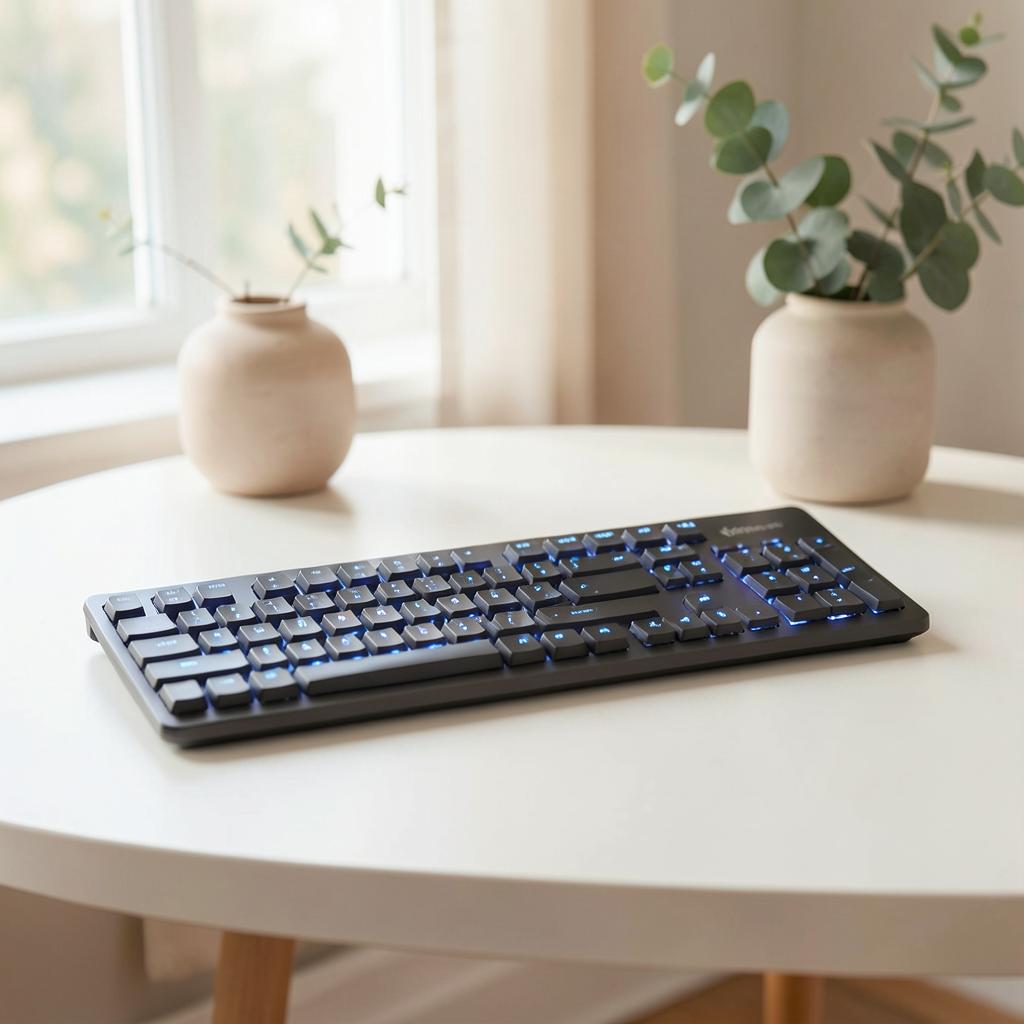 Illuminated Wireless Keyboard with Bluetooth Illuminated Wireless Keyboard with Bluetooth | 4.7 | Minimal desks and multi-device workflows | $119.99 |
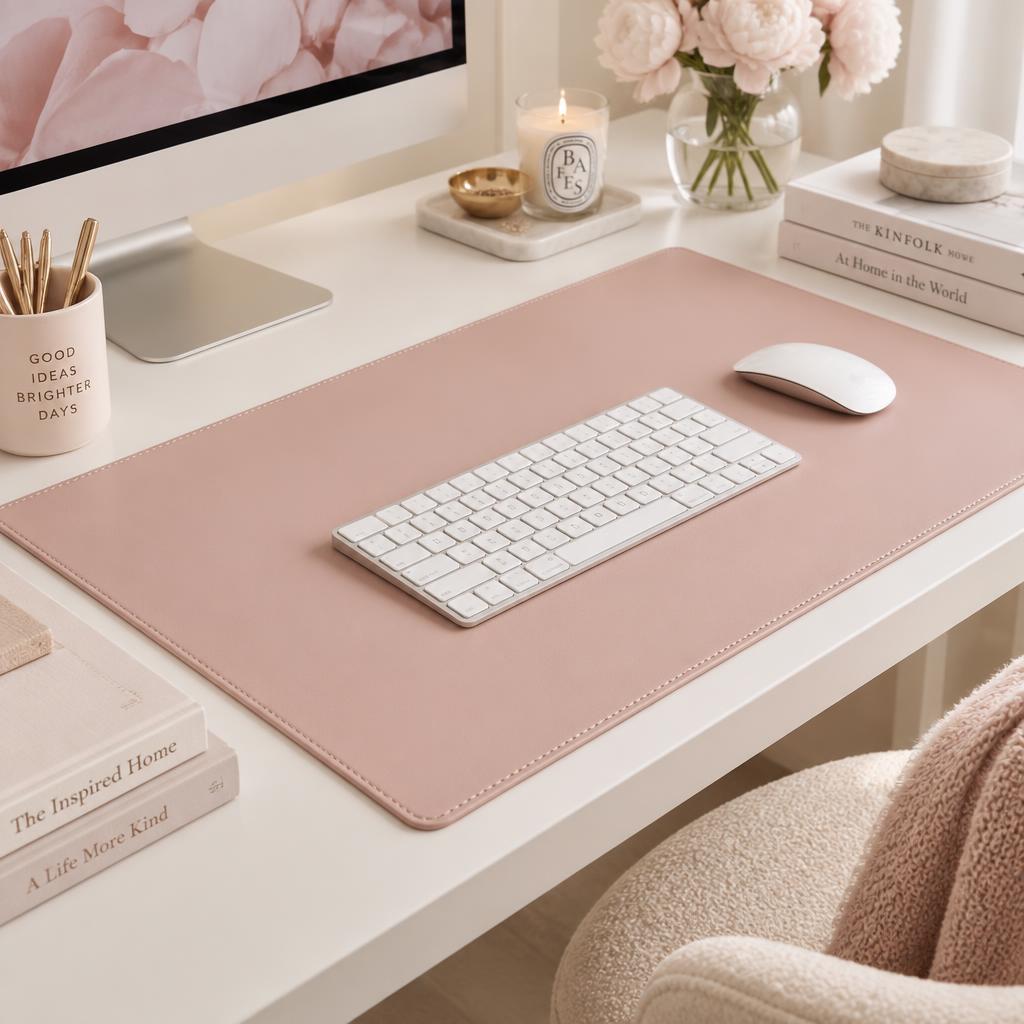 Leather Desk Pad Protector, Mouse Pad, Office Desk Mat Leather Desk Pad Protector, Mouse Pad, Office Desk Mat | 4.6 | Protecting your desk in pink or neutral setups | $9.99 |
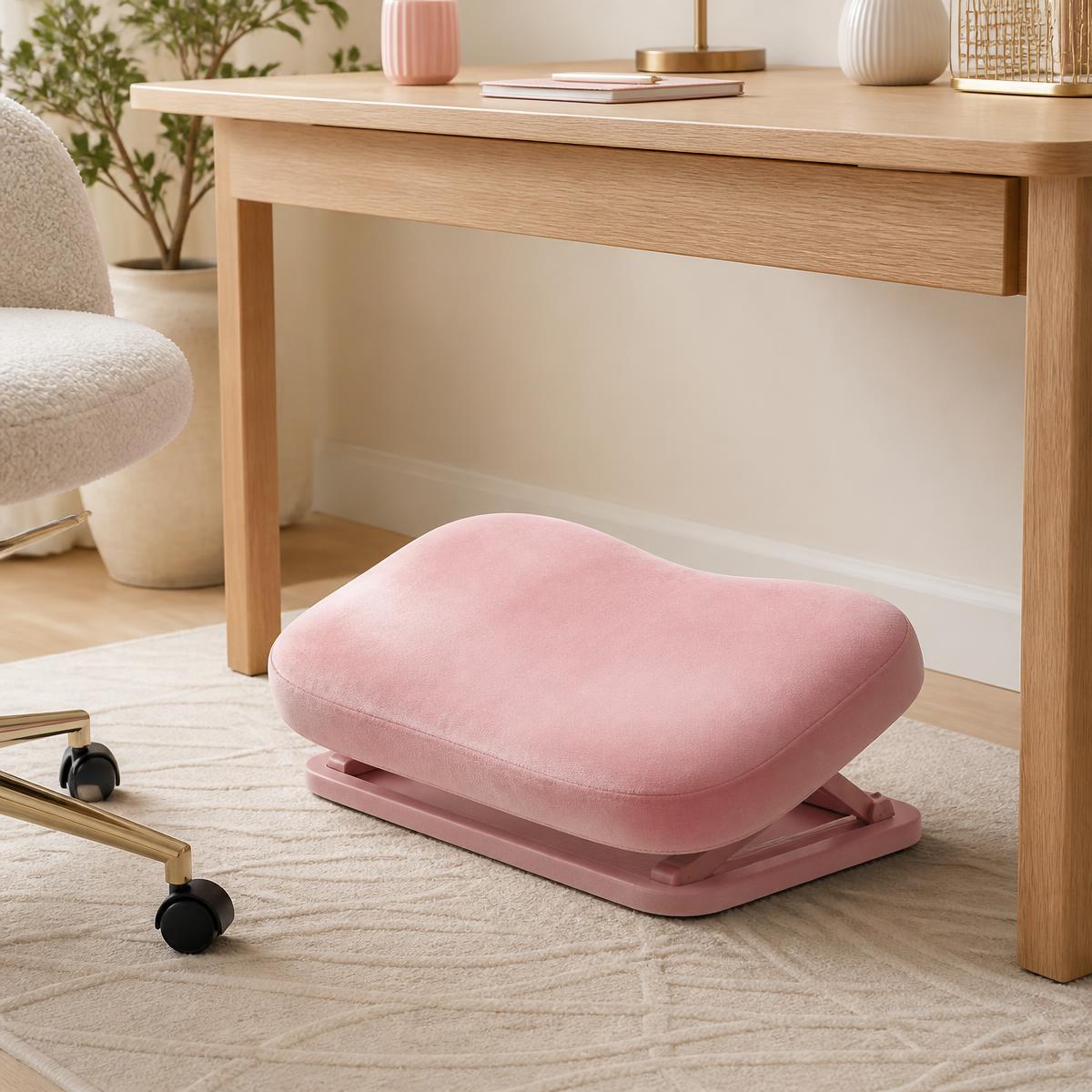 Foot Rest for Under Desk Foot Rest for Under Desk | 4.6 | Home-office workers, gamers, and anyone who spends long hours sitting at a desk and wants extra foot and leg support. | $34.19 |
Frequently asked questions
Why do my wrists hurt after typing?
Usually because they're bent upward or outward for hours, or resting hard on a desk edge. The fix is nearly always posture and support, not a new gadget.
Does a vertical mouse actually help?
For many people, yes — it puts your forearm in a handshake position instead of twisting it flat. Expect a week of clumsiness while your hand adapts.
Should I use a wrist rest?
Use it to rest between bursts of typing, not to lean on while typing. Constant pressure on the underside of the wrist is part of the problem.
Is it carpal tunnel syndrome?
Numbness or tingling in the thumb, index and middle fingers, especially at night, is worth showing to a doctor. Setup changes help, but persistent nerve symptoms need a proper assessment.
How should my keyboard sit?
Flat or tilted away from you, close enough that your elbows stay near your sides. Drop the back feet — they're the single most common cause of bent wrists.
What stretches help during the day?
Gentle wrist extension and flexion holds, plus opening and closing the hand, for about 30 seconds each hour. Frequency matters more than intensity.
Save for later
7 Desk Setup Fixes for Wrist Pain (That Actually Work)
The Chic Workspace
Pin this article
Written by
Isabelle Marchetti
Isabelle is a certified ergonomics enthusiast and interior-obsessed remote worker. She has tested more than 80 desks, chairs, and accessories so you can build a workspace that is as kind to your body as it is to your eyes.
More about Isabelle →Keep reading
You may also like
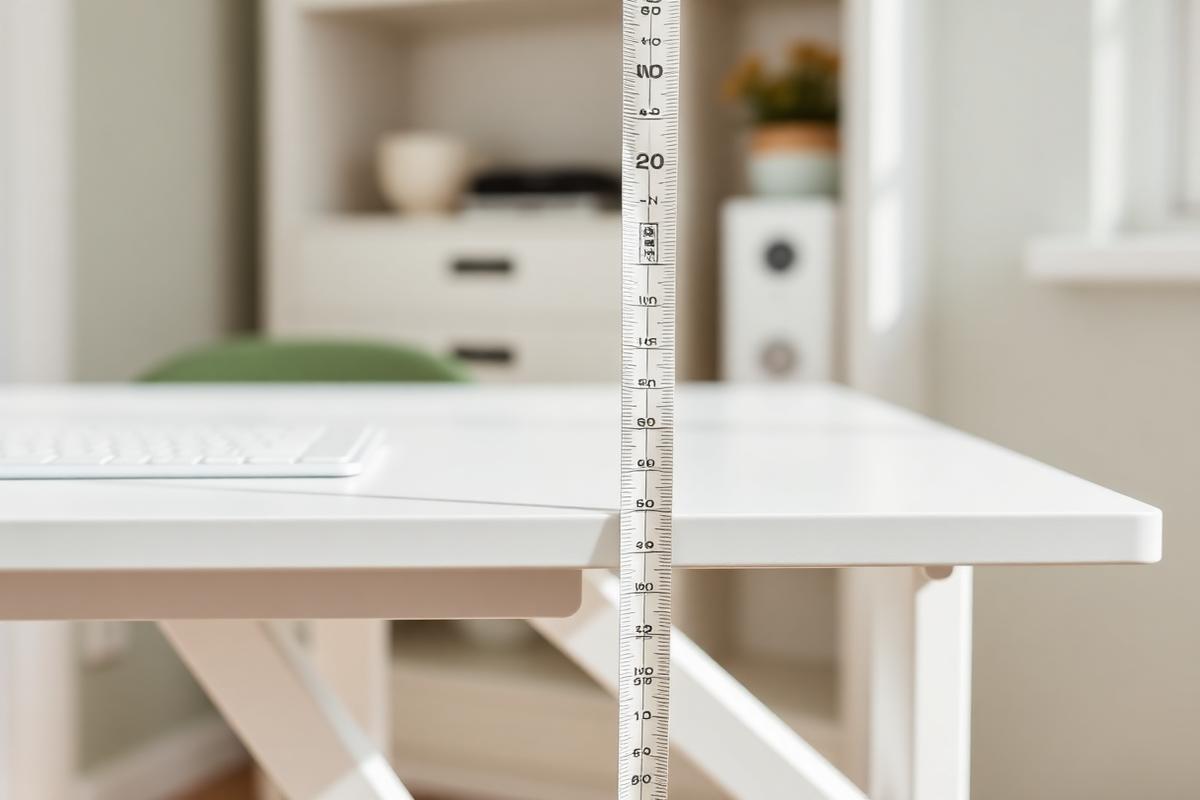
The Right Desk Height for Your Body (No Guesswork)
A simple, measurement-based method for finding your ideal sitting and standing desk heights in under five minutes.
Read article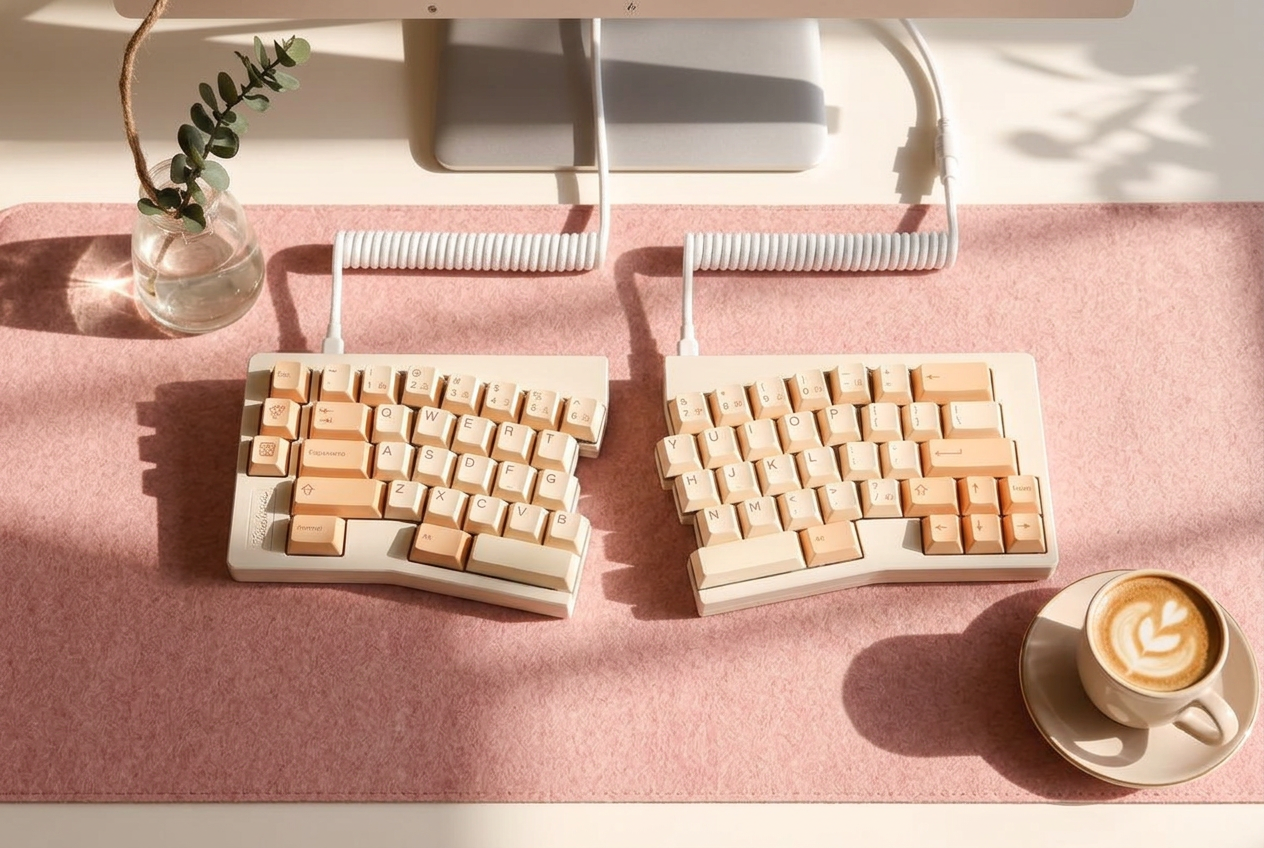
Split Keyboards, Explained: A Beginner's Buying Guide
Split keyboards look intimidating and feel amazing. Here's how to choose one, and how long the learning curve really takes.
Read article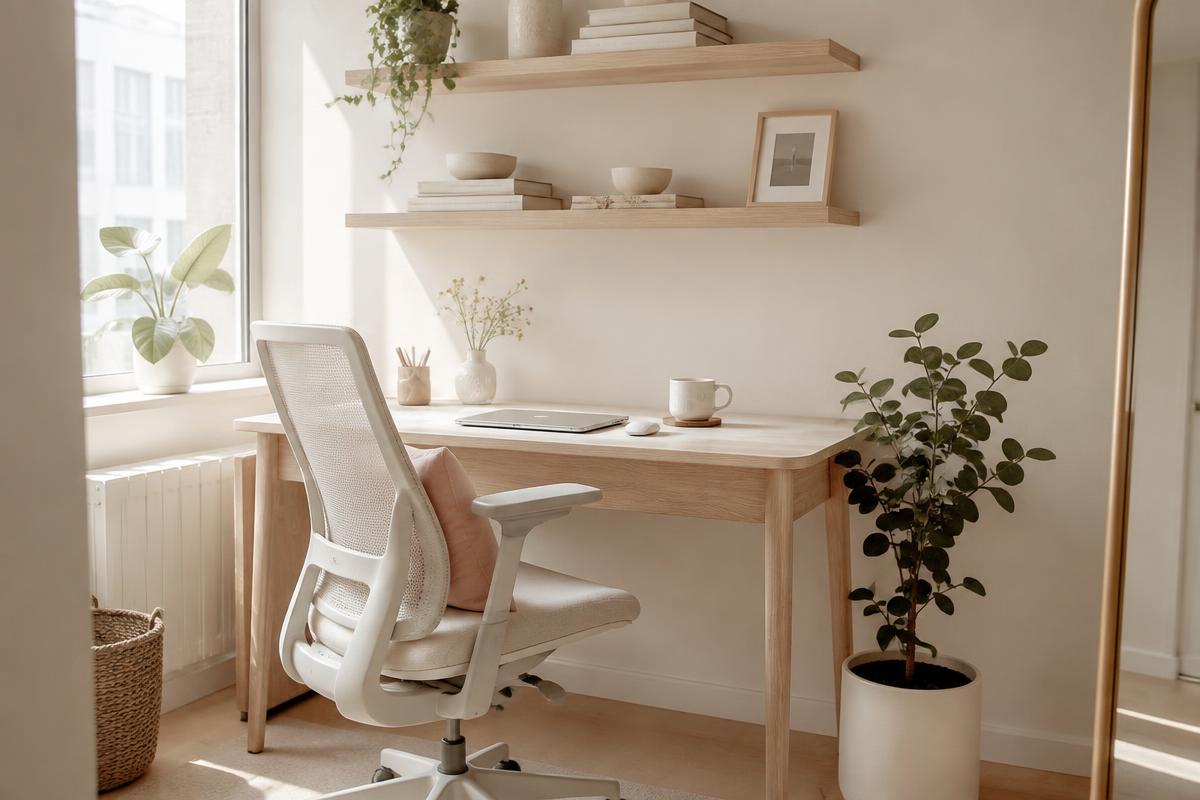
Office Chairs for Small Spaces: Comfortable, Chic & Ergonomic
Compact ergonomic chairs that support your back, tuck under a narrow desk, and still look beautiful in a living room or bedroom.
Read article