Cable Management Ideas for a Beautifully Clean Desk
Trays, sleeves, clips, and one under-desk trick that hides everything. Your Pinterest-ready desk starts underneath.
Key takeaways
- Mount the power strip to the underside of the desk first.
- Shorter cables beat longer coiled ones.
- One dock reduces six laptop cables to one.
This article contains affiliate links. If you purchase through our links, The Chic Workspace may earn a commission at no additional cost to you. As an Amazon Associate I earn from qualifying purchases. We only recommend products we believe are useful for creating a beautiful, functional workspace. Read our affiliate disclosure.
Start with an under-desk tray
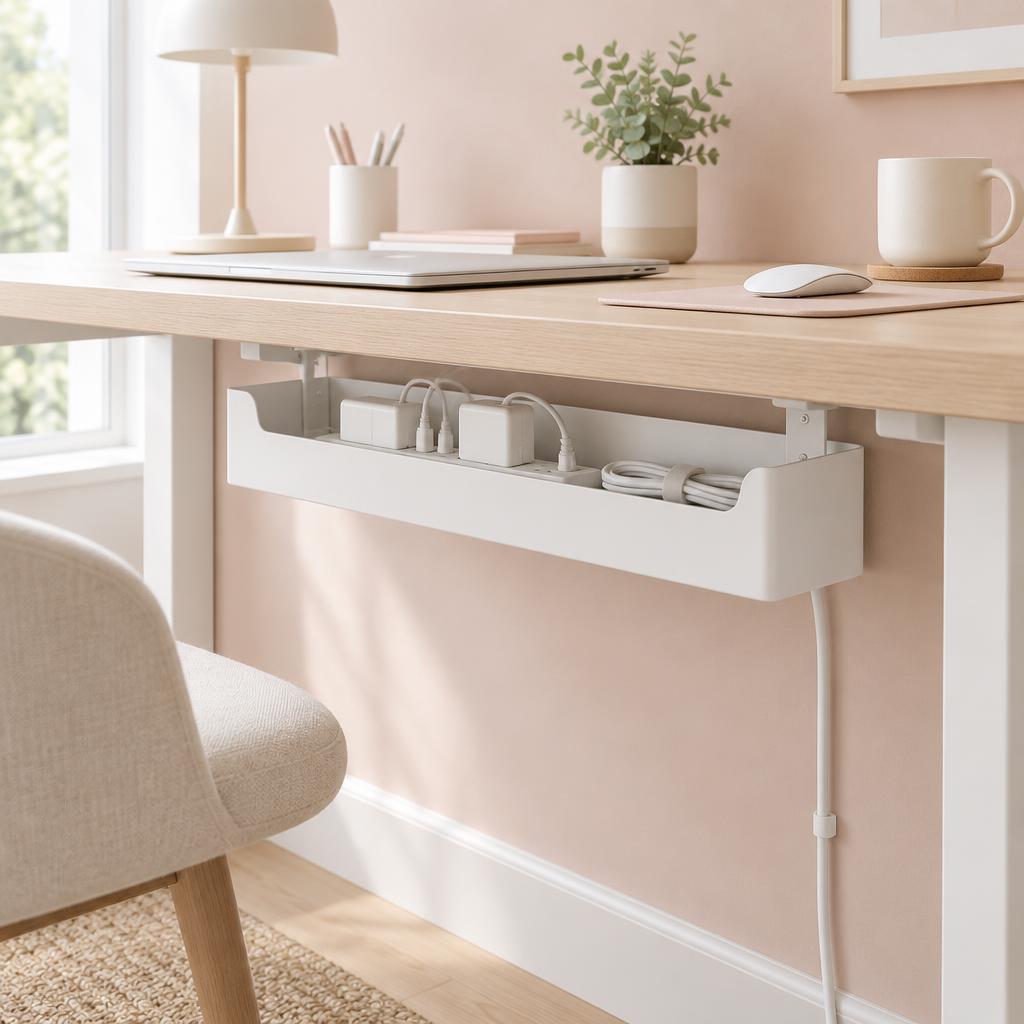
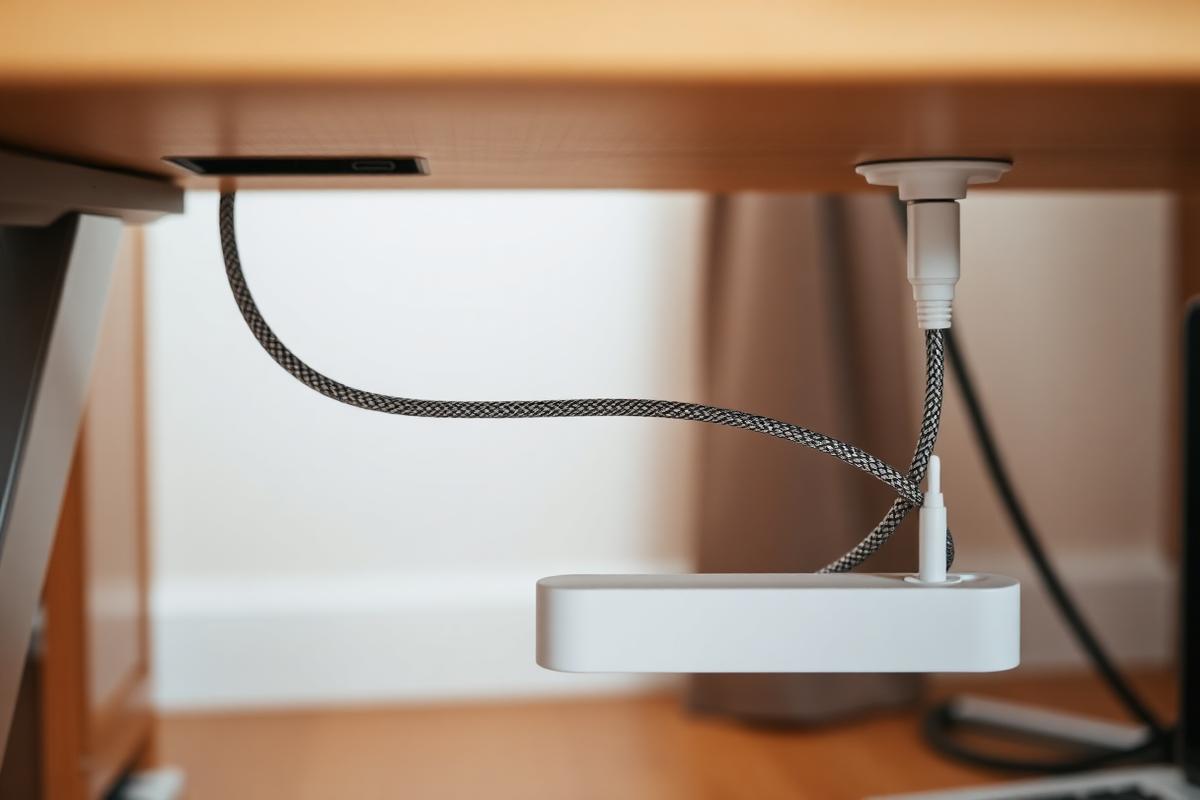
A steel or mesh tray screwed under the desktop holds the power strip, dock, and cable slack. Everything else becomes easy once the mess has a home. Keeping bulky cables and adapters off the floor also makes vacuuming and cleaning around your workspace much simpler. Choose a tray that's wide enough to accommodate future additions, such as an extra charger or external hard drive. With the clutter hidden underneath, your desktop instantly looks cleaner and more intentional.
Buy the right cable lengths
Measure the run and buy that length plus six inches. Coiled excess is the main reason desks look cluttered even after tidying. Custom-length cables not only improve the appearance of your setup but also make troubleshooting easier because each connection is easy to trace. If replacing every cable isn't practical, use reusable Velcro ties to neatly bundle any extra length. Taking a few minutes to size your cables correctly creates a much more polished and organized workspace.
Consolidate with a dock
A single USB-C dock lets you connect a laptop with one cable—ideal if you move between the desk and the sofa. Instead of plugging in your monitor, keyboard, mouse, Ethernet, and external drives individually, everything connects through the dock automatically. This keeps your desk looking tidy while reducing wear on your laptop's ports from repeated plugging and unplugging. If you regularly switch between work and personal devices, a quality dock can save time and make your daily routine much more seamless.
Buying guide
Our Top Picks
#1 Best Overall
Under Desk Cable Management Box- Best for
- Home offices with multiple cords, power strips, and chargers that need to be neatly hidden and organized.
- Size
- Key feature
- No-drill clamp design — Installs without putting holes in your desk.
- Price
- $20.74
- Score
- 4.8/5
#2 Best Budget
Power Strip with 12 Outlets 4 USB (1 USB C), 6.5Feet Extension Cord with Multiple Outlets, Charging Station, Power Strip Tower,- Best for
- Home offices with multiple monitors, laptops, phones, and other devices that need to stay powered without a mess of adapters.
- Size
- Key feature
- 12 AC outlets + 4 USB ports — Powers up to 16 devices in one compact tower.
- Price
- $26.99
- Score
- 4.8/5
#1 Best Overall
Under Desk Cable Management Box
QUELIEN
Best for: Home offices with multiple cords, power strips, and chargers that need to be neatly hidden and organized.
Home offices with multiple cords, power strips, and chargers that need to be neatly hidden and organized.
Key features
- No-drill clamp design — Installs without putting holes in your desk.
- Large 25.3-inch tray — Plenty of room for power strips, adapters, and excess cords.
- Durable steel construction — Designed for a sturdy, long-lasting cable-management solution.
Pros
- No-drill clamp design — Installs without putting holes in your desk.
- Large 25.3-inch tray — Plenty of room for power strips, adapters, and excess cords.
- Durable steel construction — Designed for a sturdy, long-lasting cable-management solution.
Cons
- Requires compatible desk thickness — Measure your desk before ordering to ensure the clamps fit.
- Takes up under-desk space — The larger tray may not be ideal for desks with limited legroom.
#2 Best Budget
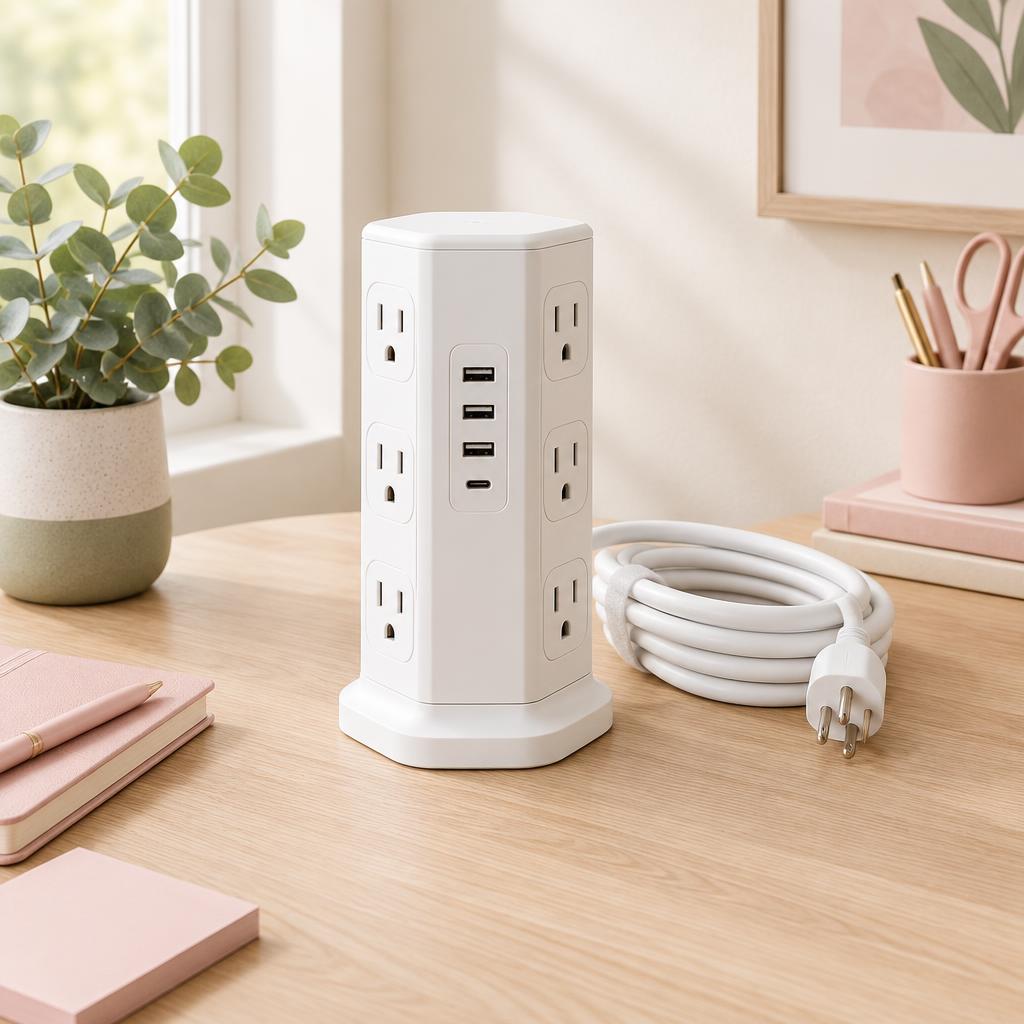
Power Strip with 12 Outlets 4 USB (1 USB C), 6.5Feet Extension Cord with Multiple Outlets, Charging Station, Power Strip Tower,
SMALLRT
Best for: Home offices with multiple monitors, laptops, phones, and other devices that need to stay powered without a mess of adapters.
Home offices with multiple monitors, laptops, phones, and other devices that need to stay powered without a mess of adapters.
Key features
- 12 AC outlets + 4 USB ports — Powers up to 16 devices in one compact tower.
- Space-saving vertical design — Keeps chargers and cords more organized on your desk.
- Surge protection — Includes a circuit breaker and 1,200-joule protection rating.
Pros
- 12 AC outlets + 4 USB ports — Powers up to 16 devices in one compact tower.
- Space-saving vertical design — Keeps chargers and cords more organized on your desk.
- Surge protection — Includes a circuit breaker and 1,200-joule protection rating.
Cons
- 6.5-foot cord — May be limiting if your outlet is farther from your desk.
- Can look bulky on a small desk — The tower design prioritizes capacity over a minimalist footprint.
Products mentioned
| Product | Rating | Best for | Price |
|---|---|---|---|
| Under Desk Cable Management Box | 4.8 | Home offices with multiple cords, power strips, and chargers that need to be neatly hidden and organized. | $20.74 |
| Power Strip with Multiple Outlets, Charging Station, Power Strip Tower, | 4.8 | Home offices with multiple monitors, laptops, phones, and other devices that need to stay powered without a mess of adapters. | $26.99 |
 Single Computer Monitor Stand with Cable Management Single Computer Monitor Stand with Cable Management | 4.4 | Home-office users with a single monitor who want to free up desk space and improve screen positioning. | $30.23 |
 Leather Desk Pad Protector, Mouse Pad, Office Desk Mat Leather Desk Pad Protector, Mouse Pad, Office Desk Mat | 4.6 | Protecting your desk in pink or neutral setups | $9.99 |
Frequently asked questions
What's the first step in tidying cables?
Unplug everything and mount one power strip under or behind the desk. Every other trick depends on having a single place the power comes from.
How do I hide the power strip itself?
Put it inside a closed cable box, which also hides the chunky plugs. A box on the floor is fine; mounted under the desk is tidier.
Adhesive clips or velcro ties?
Use velcro to bundle cable runs and adhesive clips to steer them along an edge. Avoid zip ties — you'll be cutting them off the next time anything changes.
What about a standing desk?
Leave plenty of slack, bundle it in a loose loop rather than pulling it tight, and run everything to one anchored point on the frame. Then cycle the desk up and down to check nothing snags.
Do I need a cable tray?
A tray is the neatest solution for a desk with several devices, but a box plus a few clips gets you 80 percent of the result for less money.
How can I reduce the number of cables altogether?
A wireless keyboard and mouse, plus a single USB-C cable to the laptop where supported, removes most of the tangle before you manage any of it.
Save for later
Cable Management Ideas for a Beautifully Clean Desk
The Chic Workspace
Pin this article
Written by
Isabelle Marchetti
Isabelle is a certified ergonomics enthusiast and interior-obsessed remote worker. She has tested more than 80 desks, chairs, and accessories so you can build a workspace that is as kind to your body as it is to your eyes.
More about Isabelle →Keep reading
You may also like
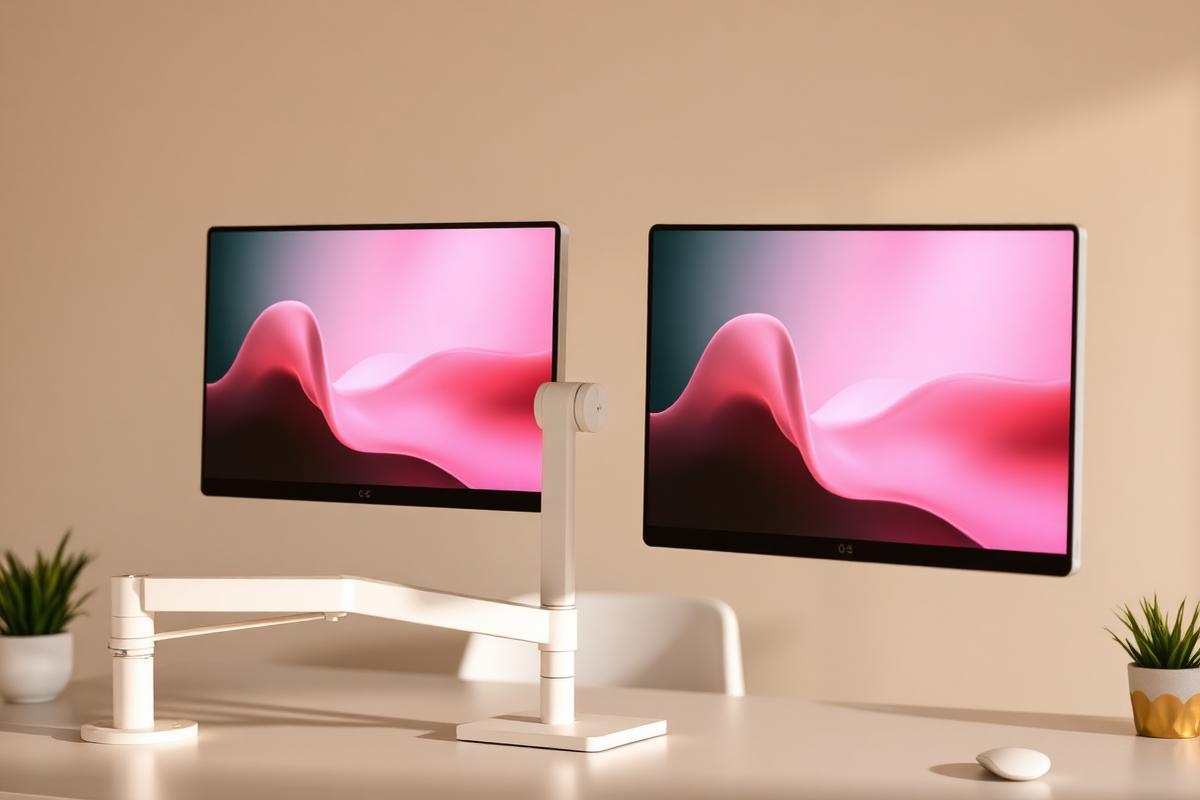
How to Set Up Dual Monitors Without Wrecking Your Neck
Side-by-side or primary-plus-secondary? Screen placement decides whether two monitors help or hurt.
Read article
How to Build a Minimal Desk Setup You'll Actually Maintain
Minimalism fails when there's nowhere to put things. Here's a system that keeps the desk clear on a real workday.
Read article
Office Chairs for Small Spaces: Comfortable, Chic & Ergonomic
Compact ergonomic chairs that support your back, tuck under a narrow desk, and still look beautiful in a living room or bedroom.
Read article