How to Hide Cords on Your Desk: 7 Clever Ideas
Seven simple, rental-friendly ways to get every cable off your desktop and out of sight — in about an afternoon.
Key takeaways
- Unplug everything first — you cannot tidy a tangle in place.
- One power strip under the desk means one cable to the wall.
- Label both ends of every cable before you bundle them.
This article contains affiliate links. If you purchase through our links, The Chic Workspace may earn a commission at no additional cost to you. As an Amazon Associate I earn from qualifying purchases. We only recommend products we believe are useful for creating a beautiful, functional workspace. Read our affiliate disclosure.
Start with a full reset
Unplug everything, pull the desk away from the wall and lay the cables out flat. Ten minutes of this saves an hour of fiddling behind a desk you can't see into.
While things are unplugged, put a small label on each end. Future you will be grateful when one device stops charging.
The seven ideas
1. Mount a power strip under the desktop so one cord runs to the wall. 2. Drop the bricks and excess slack into a covered cable box on the floor. 3. Stick adhesive clips along the back edge to hold each cable where it belongs.
4. Use a cable sleeve to turn the drop to the floor into a single neat column. 5. Choose a monitor stand with a built-in channel so screen cables vanish at the source. 6. Swap long cables for right-length ones — most desk mess is surplus cable. 7. Add a small tray or organiser for the chargers you actually pick up each day.
If you have a standing desk
Leave a generous loop of slack and mount everything to the desk frame, not the wall, so the whole bundle travels with the top. Test the full height range before you trim or tighten anything.
Making it stay tidy
Keep one accessible charging spot on the desk so you are not pulling cables out of the tidy bundle every day. That single exception is what keeps the rest of the system intact.
Products mentioned
| Product | Rating | Best for | Price |
|---|---|---|---|
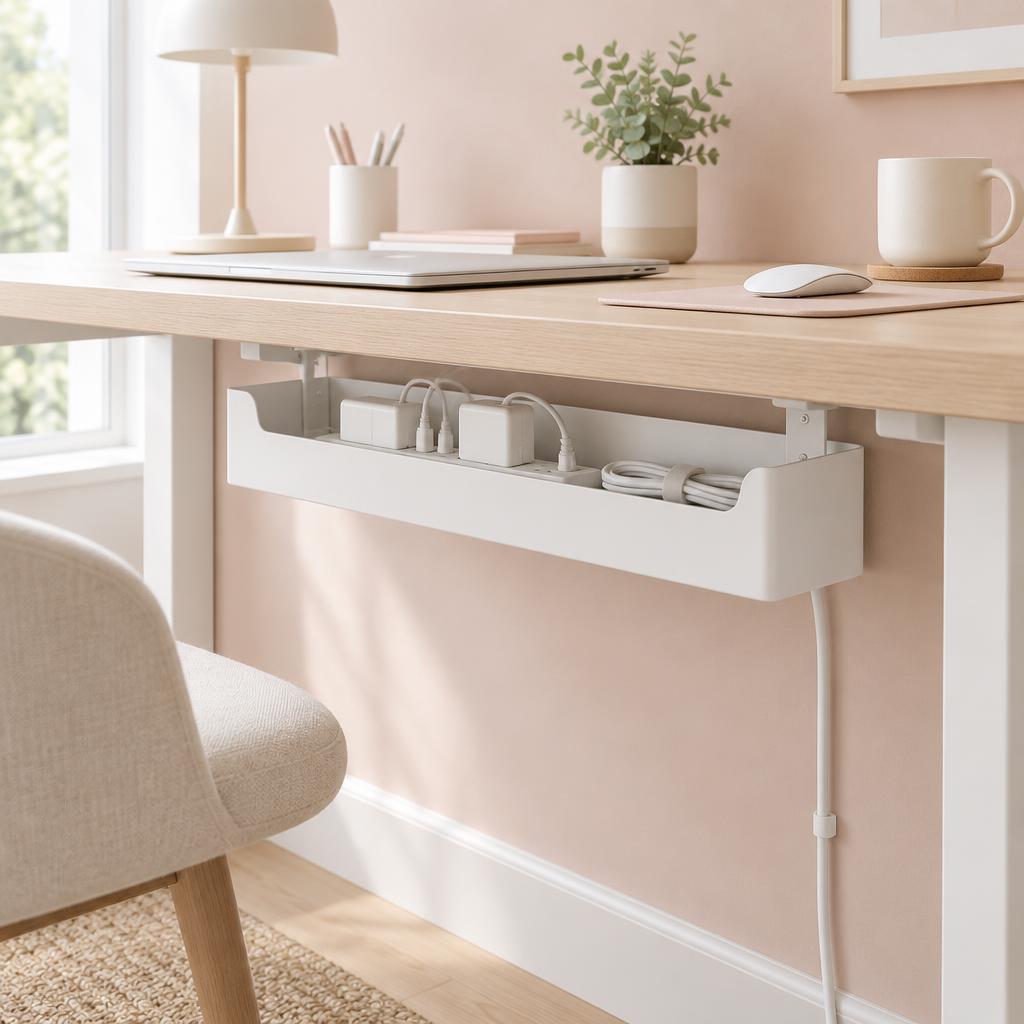 Under Desk Cable Management Box Under Desk Cable Management Box | 4.8 | Home offices with multiple cords, power strips, and chargers that need to be neatly hidden and organized. | $20.74 |
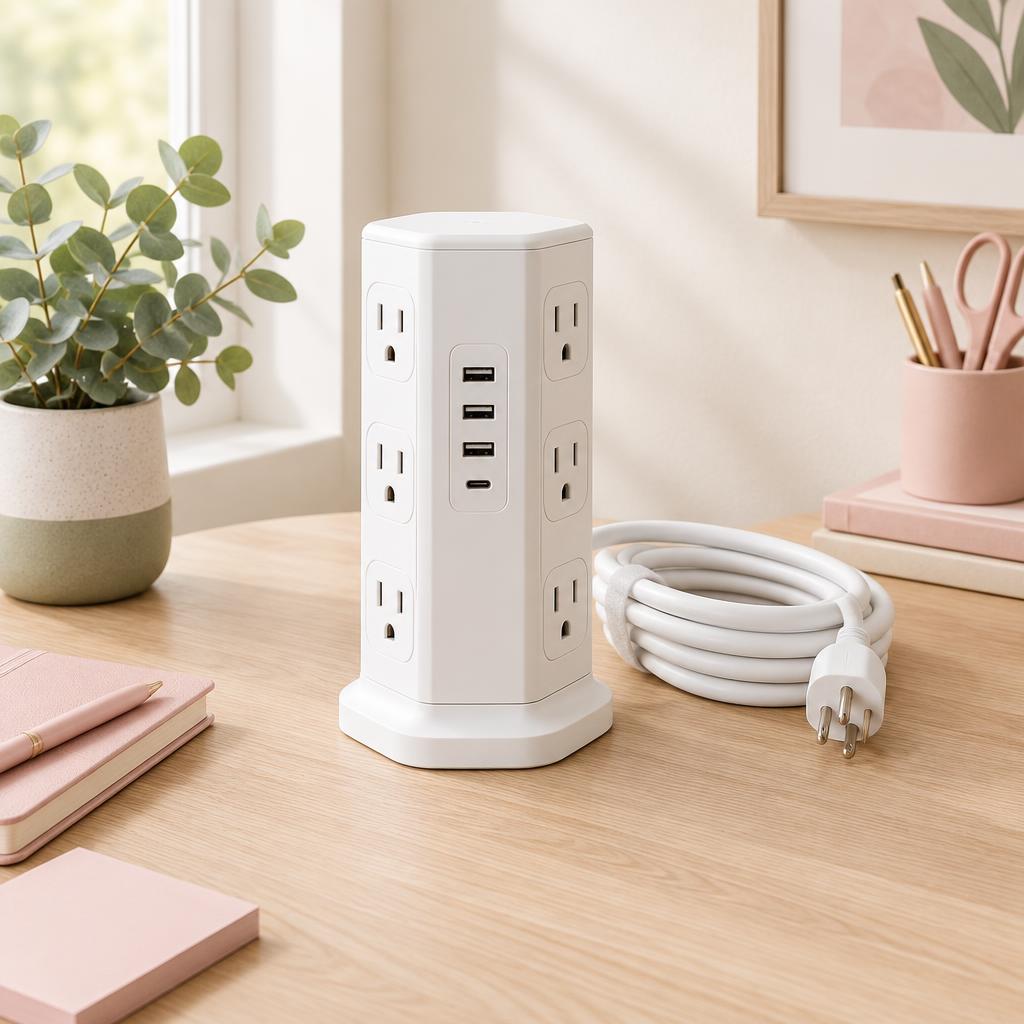 Power Strip with Multiple Outlets, Charging Station, Power Strip Tower, Power Strip with Multiple Outlets, Charging Station, Power Strip Tower, | 4.8 | Home offices with multiple monitors, laptops, phones, and other devices that need to stay powered without a mess of adapters. | $26.99 |
 Single Computer Monitor Stand with Cable Management Single Computer Monitor Stand with Cable Management | 4.4 | Home-office users with a single monitor who want to free up desk space and improve screen positioning. | $30.23 |
 360 Rotating Plastic Desk Pen Organizer 360 Rotating Plastic Desk Pen Organizer | 4.7 | Keeping a small desk tidy while adding a functional, stylish touch. | $9.98 |
Frequently asked questions
What's the fastest way to make a desk look cable-free?
Mount a power strip under the desktop and put every brick in a covered box on the floor. That one change removes most of what you can see.
Are adhesive cable clips safe on wood?
On sealed wood and laminate, yes — they peel off cleanly with a little warmth from a hairdryer. Avoid them on raw or waxed timber and on painted walls you care about.
Is it safe to put a power strip in a closed cable box?
Use a box with ventilation slots, don't overload the strip, and keep it off carpet pile. Boxes designed for cable management are built for this; a sealed storage crate is not.
How do I hide cords on a glass desk?
Glass shows everything, so go under the desk: a clamped tray, a sleeve down one leg, and a box on the floor. Shorter cables help more here than anywhere else.
What about a desk that sits in the middle of the room?
Run one sleeved bundle down a single leg, then use a floor cord cover along the route to the socket. One visible line looks deliberate; five do not.
Should I cut cables to length?
Never cut them — buy the right length instead, or coil the excess with a velcro tie inside the cable box. Cut cables are a fire risk and void warranties.


Written by
Isabelle Marchetti
Isabelle is a certified ergonomics enthusiast and interior-obsessed remote worker. She has tested more than 80 desks, chairs, and accessories so you can build a workspace that is as kind to your body as it is to your eyes.
More about Isabelle →Keep reading
You may also like
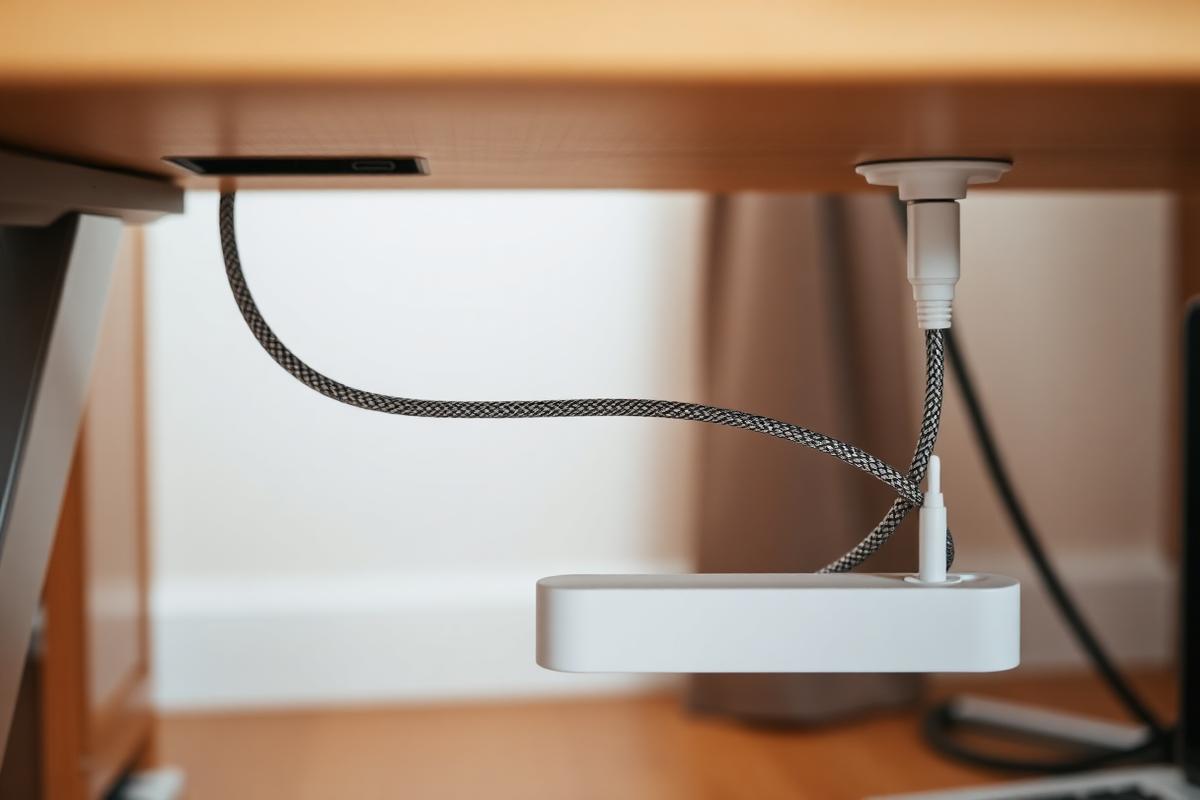
Cable Management Ideas for a Beautifully Clean Desk
Trays, sleeves, clips, and one under-desk trick that hides everything. Your Pinterest-ready desk starts underneath.
Read article
How to Build a Minimal Desk Setup You'll Actually Maintain
Minimalism fails when there's nowhere to put things. Here's a system that keeps the desk clear on a real workday.
Read article
Office Chairs for Small Spaces: Comfortable, Chic & Ergonomic
Compact ergonomic chairs that support your back, tuck under a narrow desk, and still look beautiful in a living room or bedroom.
Read article