Wireless Keyboards for a Clean, Minimalist Desk
Slim profiles, quiet keys, and zero cables — the wireless keyboards that keep a minimal desk looking effortless.
Key takeaways
- Low-profile boards with quiet switches keep a minimal desk calm to look at and to type on.
- Multi-device Bluetooth lets one keyboard serve your laptop, tablet, and phone.
- Cream or white keycaps with a matte finish hide fingerprints and match warm-toned setups.
This article contains affiliate links. If you purchase through our links, The Chic Workspace may earn a commission at no additional cost to you. As an Amazon Associate I earn from qualifying purchases. We only recommend products we believe are useful for creating a beautiful, functional workspace. Read our affiliate disclosure.
Why wireless belongs on a minimal desk
Nothing breaks a clean desk faster than a cable snaking toward your laptop. A wireless keyboard removes the last visible wire from the center of your workspace, and modern Bluetooth is stable enough that you'll never notice the difference while typing.
Look for a board that charges over USB-C and holds a charge for weeks, so you're not trading a cable for constant recharging.
What to look for
First, profile: low-profile boards sit flat and slim, which reads cleaner visually and keeps your wrists in a neutral position without a wrist rest. Second, sound: quiet linear or scissor switches won't echo on calls or disturb a shared room.
Third, layout: a 75% layout keeps the arrow and function keys while trimming the number pad, which centers the keyboard in front of you and leaves more room for your mouse — better for your shoulders and for the photo.
Our top pick
The Logitech MX Keys Illuminated Wireless Keyboard is the best balance of minimal looks and serious typing comfort. Its low-profile frame sits almost flush with the desk, the spherically dished keys feel precise without being loud, and smart backlighting only glows when your hands are nearby — no distracting glow during video calls.
It pairs with up to three devices over Bluetooth and switches instantly, so one keyboard can serve your laptop, tablet, and phone without cluttering the desk with extra receivers.
Style it into your setup
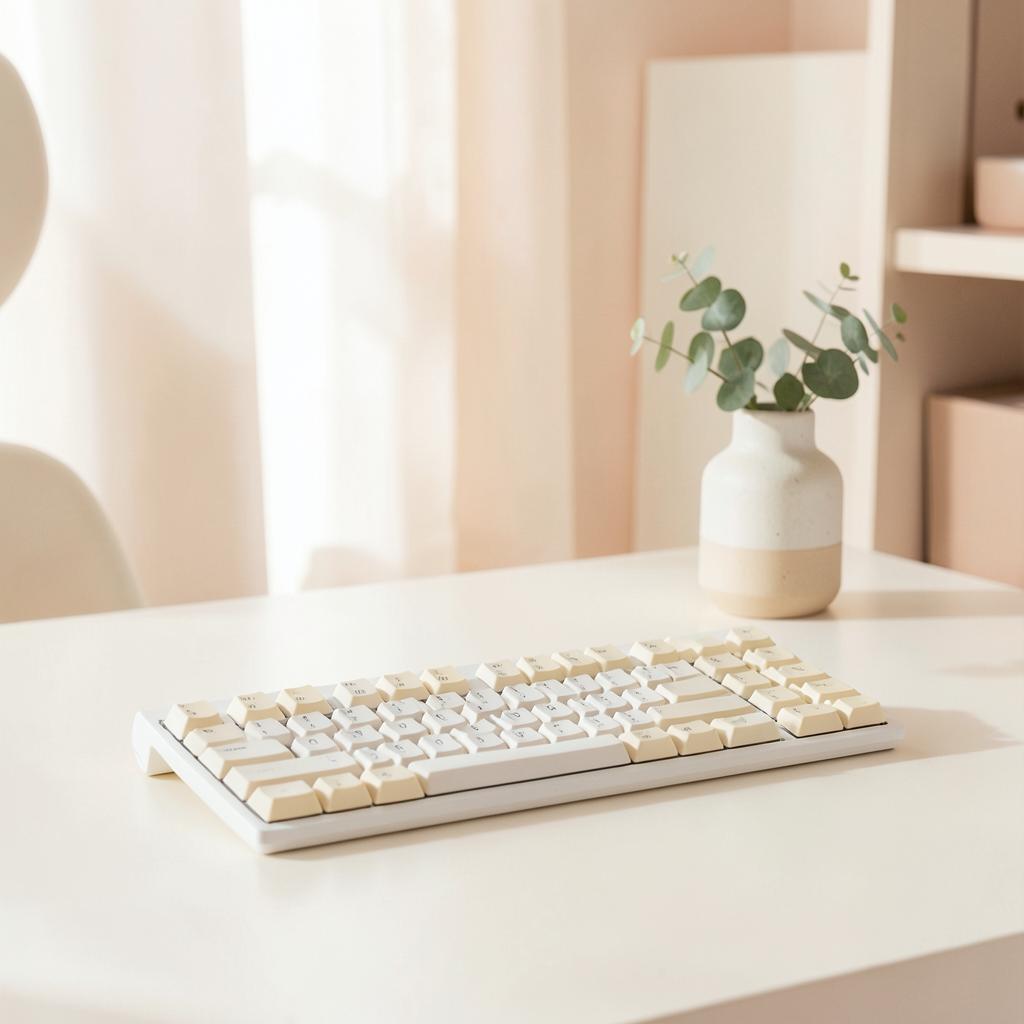
Choose a keyboard in the same palette as your desk mat — cream, blush, or soft grey — and let the two pieces frame your workspace. A felt or leather desk mat underneath anchors the keyboard visually and quiets keystrokes even further.
Pair it with a matching wireless mouse, and the only cable left on your desk is the one charging your laptop.
Products mentioned
| Product | Rating | Best for | Price |
|---|---|---|---|
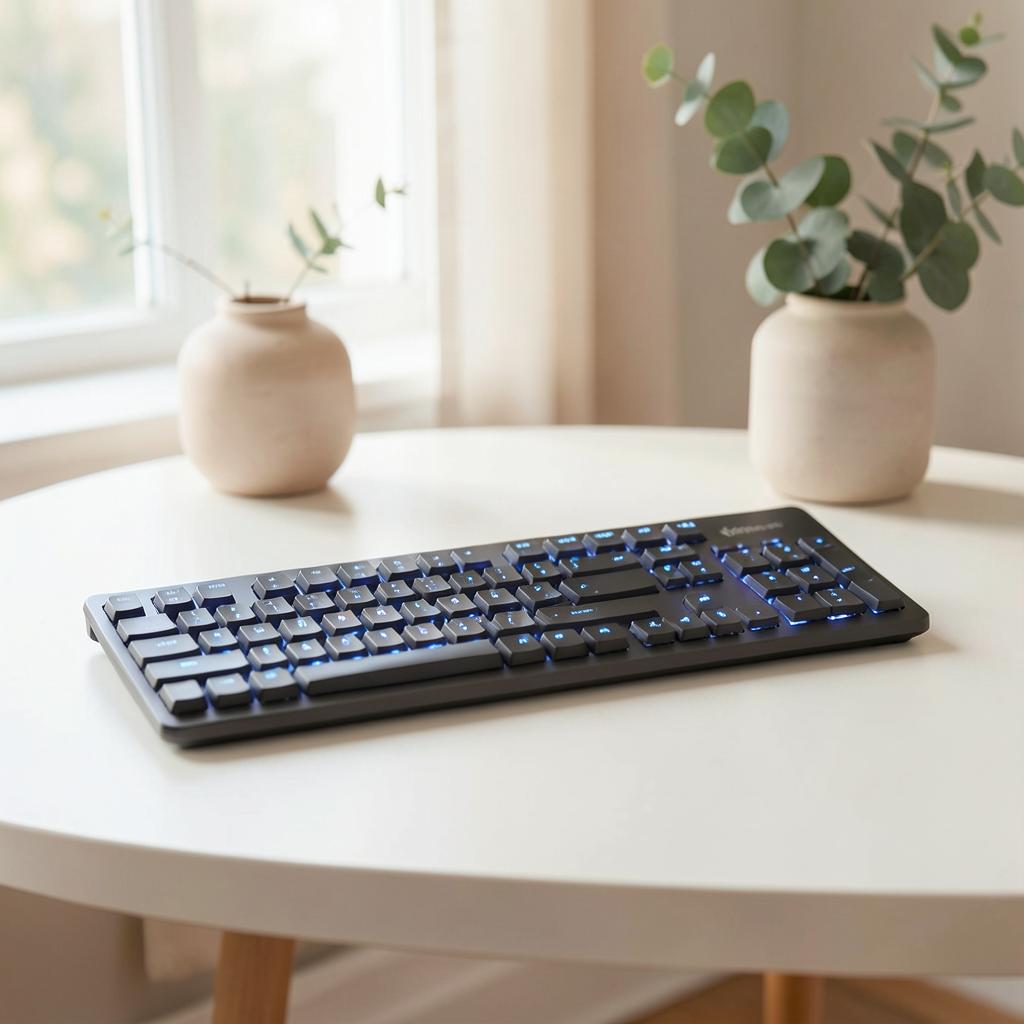 Illuminated Wireless Keyboard with Bluetooth Illuminated Wireless Keyboard with Bluetooth | 4.7 | Minimal desks and multi-device workflows | $119.99 |
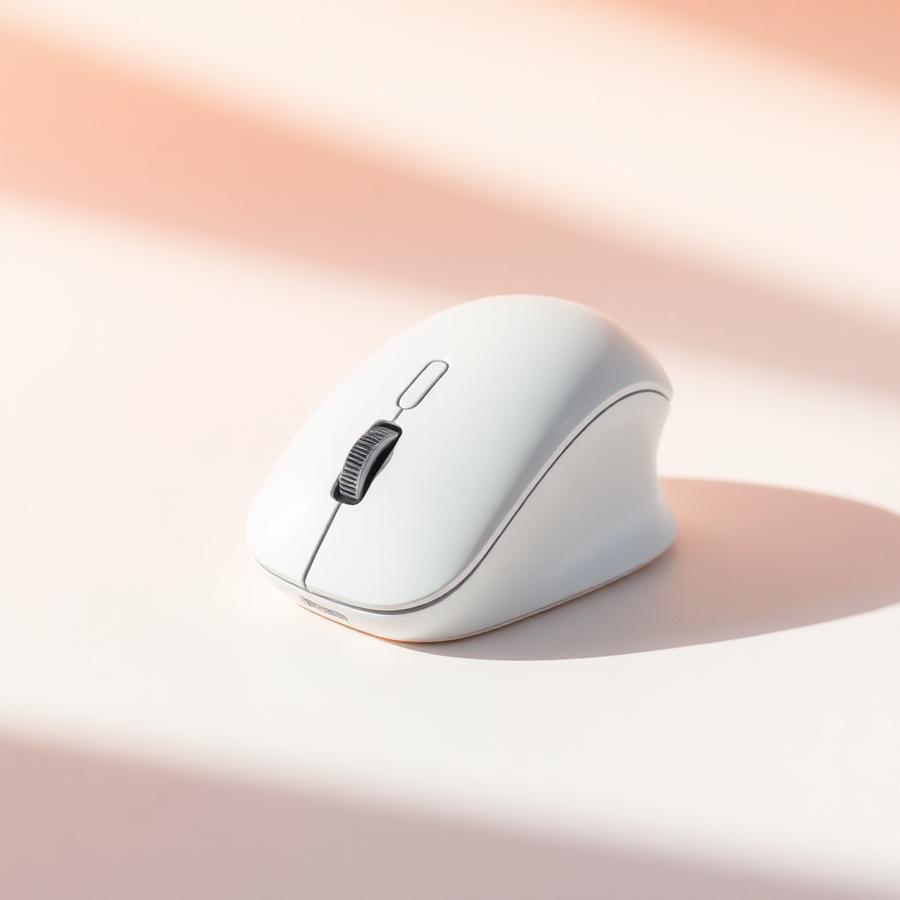 Ergonomic Mouse, Bluetooth 5.0/3.0 & USB A, Wireless Vertical Mouse Rechargeable Battery Ergonomic Mouse, Bluetooth 5.0/3.0 & USB A, Wireless Vertical Mouse Rechargeable Battery | 4.6 | Wrist pain relief and quiet home offices | $25.99 |
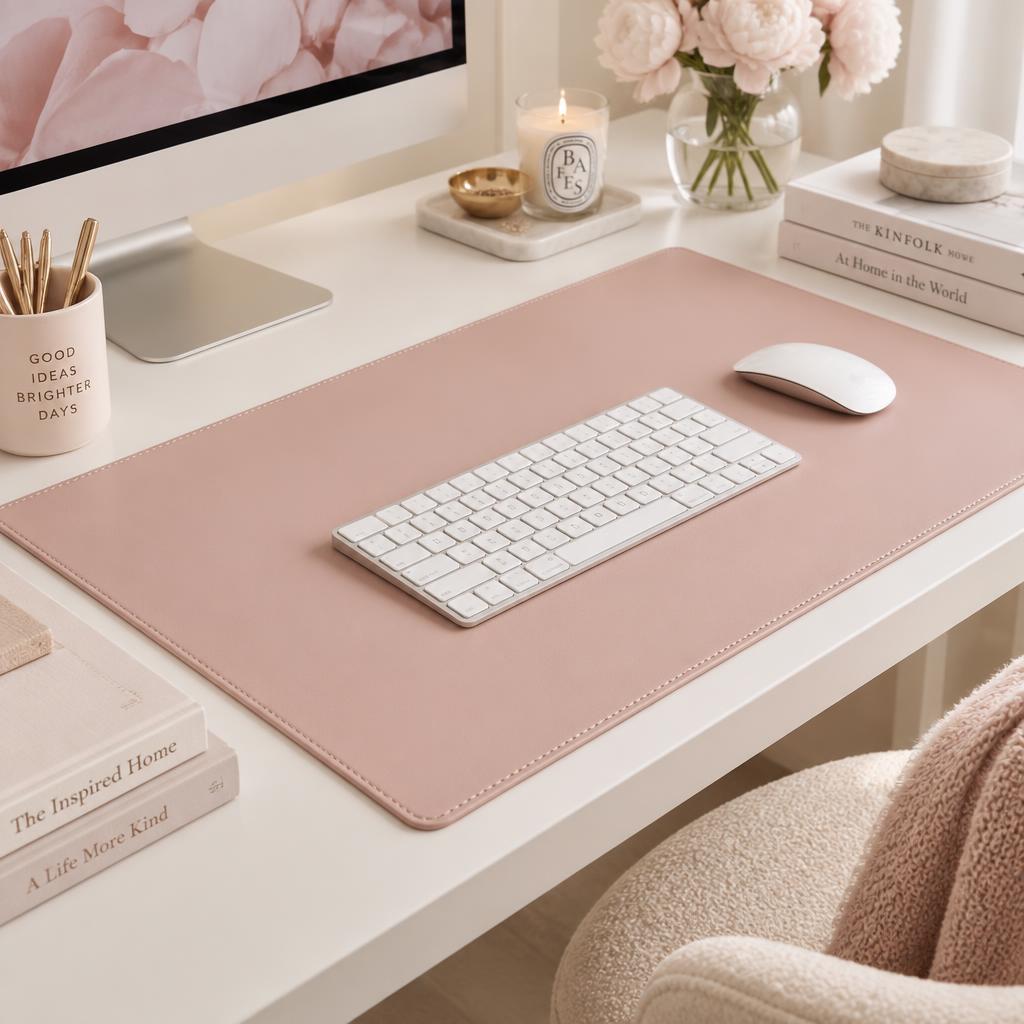 Leather Desk Pad Protector, Mouse Pad, Office Desk Mat Leather Desk Pad Protector, Mouse Pad, Office Desk Mat | 4.6 | Protecting your desk in pink or neutral setups | $9.99 |
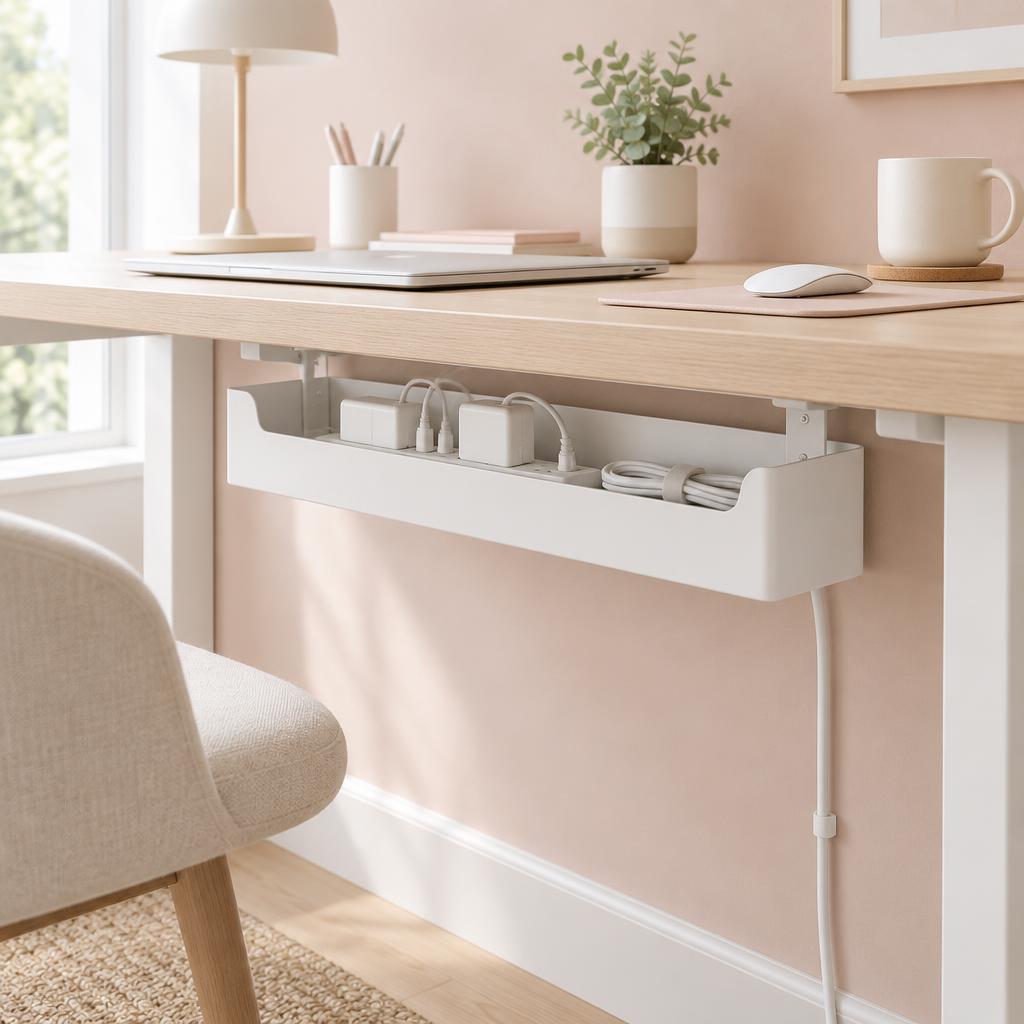 Under Desk Cable Management Box Under Desk Cable Management Box | 4.8 | Home offices with multiple cords, power strips, and chargers that need to be neatly hidden and organized. | $20.74 |
Frequently asked questions
Is a wireless keyboard worse for typing than a wired one?
On a modern Bluetooth or 2.4GHz keyboard the delay is far too small to feel while typing. The only people who notice it are competitive gamers, not writers or spreadsheet users.
Bluetooth or a USB receiver — which should I choose?
Bluetooth keeps your desk free of dongles and lets you switch between a laptop, tablet and phone. A USB receiver is the safer pick if your computer has an unreliable Bluetooth chip or you need it to work before the operating system loads.
How often will I be charging or changing batteries?
Rechargeable backlit keyboards typically run one to two weeks with the lights on, and months with them off. Keyboards that use AA batteries often go a year or more.
Do I need a full-size keyboard with a number pad?
Skip the number pad unless you enter numbers all day. Losing it moves your mouse several inches closer to your body, which is one of the cheapest shoulder-comfort upgrades there is.
Will a low-profile keyboard hurt my wrists?
Low-profile keys usually help, because your wrists stay flatter than they do on a tall keyboard. Keep the back feet folded down and add a soft desk mat if the edge of your desk digs in.
Can one keyboard work with both a Mac and a Windows PC?
Yes — multi-device keyboards pair with up to three machines and swap layouts with a button. Look for keycaps that print both the Command and Alt labels so you are not guessing.

Written by
Isabelle Marchetti
Isabelle is a certified ergonomics enthusiast and interior-obsessed remote worker. She has tested more than 80 desks, chairs, and accessories so you can build a workspace that is as kind to your body as it is to your eyes.
More about Isabelle →Keep reading
You may also like
The Quietest Keyboard Switches for Shared Spaces
Love mechanical keyboards but share a room, a wall, or a video call? These switches and mods keep the clack down.
Read article
Cable Management Ideas for a Beautifully Clean Desk
Trays, sleeves, clips, and one under-desk trick that hides everything. Your Pinterest-ready desk starts underneath.
Read article
Office Chairs for Small Spaces: Comfortable, Chic & Ergonomic
Compact ergonomic chairs that support your back, tuck under a narrow desk, and still look beautiful in a living room or bedroom.
Read article