Monitor Arms for a Clean, Comfortable Desk: Our Top Picks
A monitor arm lifts your screen to eye level and hands back the surface underneath. Here's how to choose one that fits your desk and your décor.
Key takeaways
- Check your monitor's weight and VESA pattern before anything else.
- Gas-spring arms adjust with one hand; mechanical-spring arms hold a set position more firmly.
- Clamp mounts need a desk edge with clear space behind it — glass tops need a grommet or a rated clamp.
This article contains affiliate links. If you purchase through our links, The Chic Workspace may earn a commission at no additional cost to you. As an Amazon Associate I earn from qualifying purchases. We only recommend products we believe are useful for creating a beautiful, functional workspace. Read our affiliate disclosure.
What an arm actually changes
The top third of your screen should sit at eye level. Most monitors, on their factory stands, land two to four inches below that, which quietly pulls your chin down all day.
An arm fixes the height and floats the screen above the desk, so the space that used to hold a plastic base becomes room for a notebook, a tray, or simply nothing at all.
Weight, VESA, and desk thickness
Find your monitor's weight without its stand and its VESA hole pattern — usually 75×75 or 100×100 mm. Choose an arm whose range comfortably includes that weight rather than one that only just covers it.
Then check the desk: most clamps take tops between 0.4 and 3.3 inches thick and need a few inches of clear space behind the monitor.
Single arm or dual arm
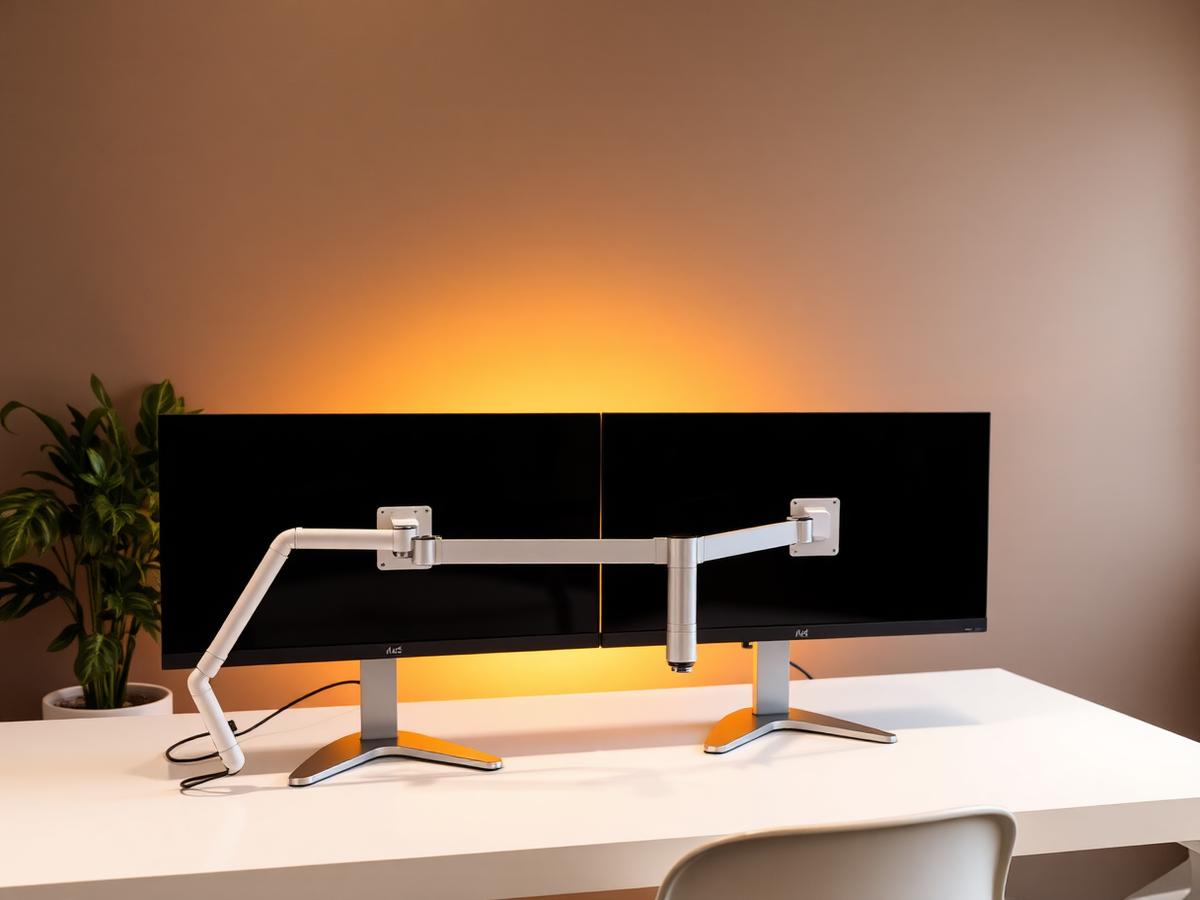
A single arm suits one large screen and keeps the desk visually calm. A dual arm is the tidier choice for two monitors, but it loads a lot of weight onto one clamp point — a thin or hollow desktop may flex.
For two screens on a shallow desk, angling both slightly inward keeps your neck rotation small and your desk depth usable.
Keeping it pretty
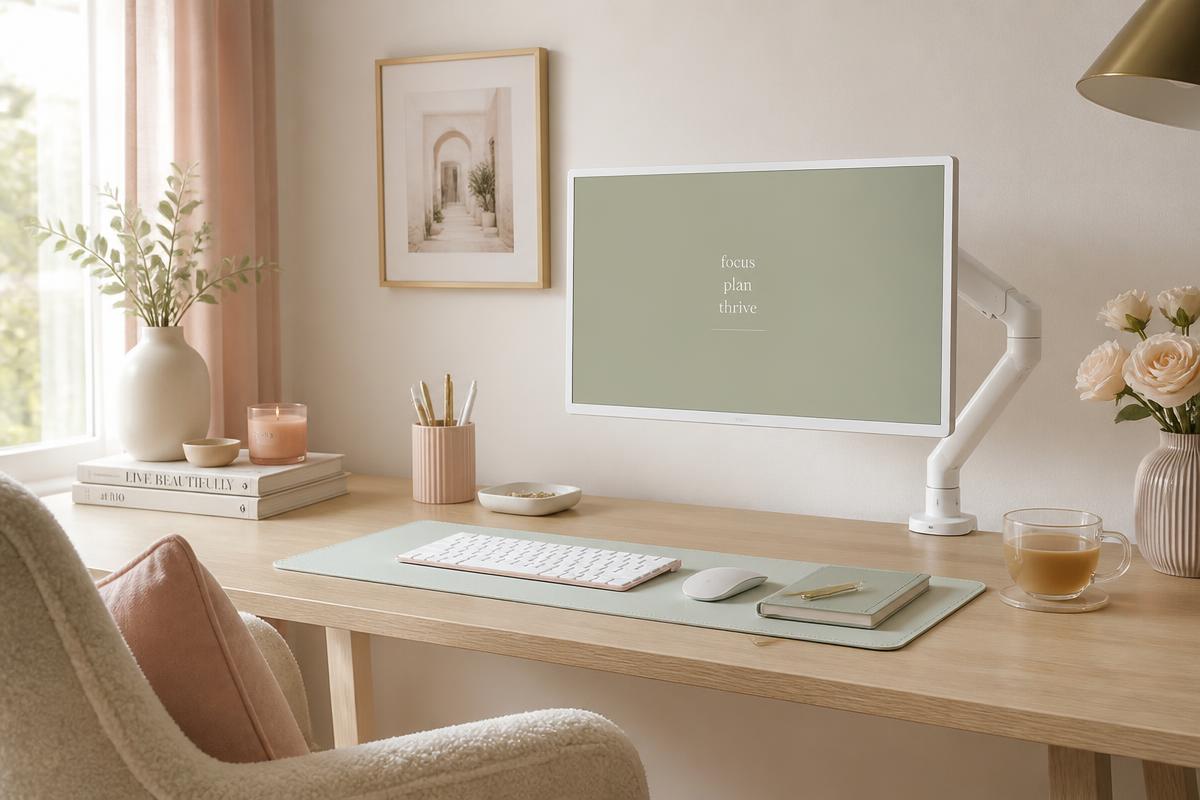
White and matte silver arms disappear against a pale wall; black ones read as equipment. Look for built-in cable channels so the power and display cables run along the arm instead of trailing down the back.
A cable sleeve in a matching tone finishes the job where the cables leave the arm for the floor.
Products mentioned
| Product | Rating | Best for | Price |
|---|---|---|---|
 Single Computer Monitor Stand with Cable Management Single Computer Monitor Stand with Cable Management | 4.4 | Home-office users with a single monitor who want to free up desk space and improve screen positioning. | $30.23 |
 gianotter Monitor Stand Riser with Drawer & Pen Holders gianotter Monitor Stand Riser with Drawer & Pen Holders | 4.7 | Keeping a clean, organized desk with everything within reach | $29.99 |
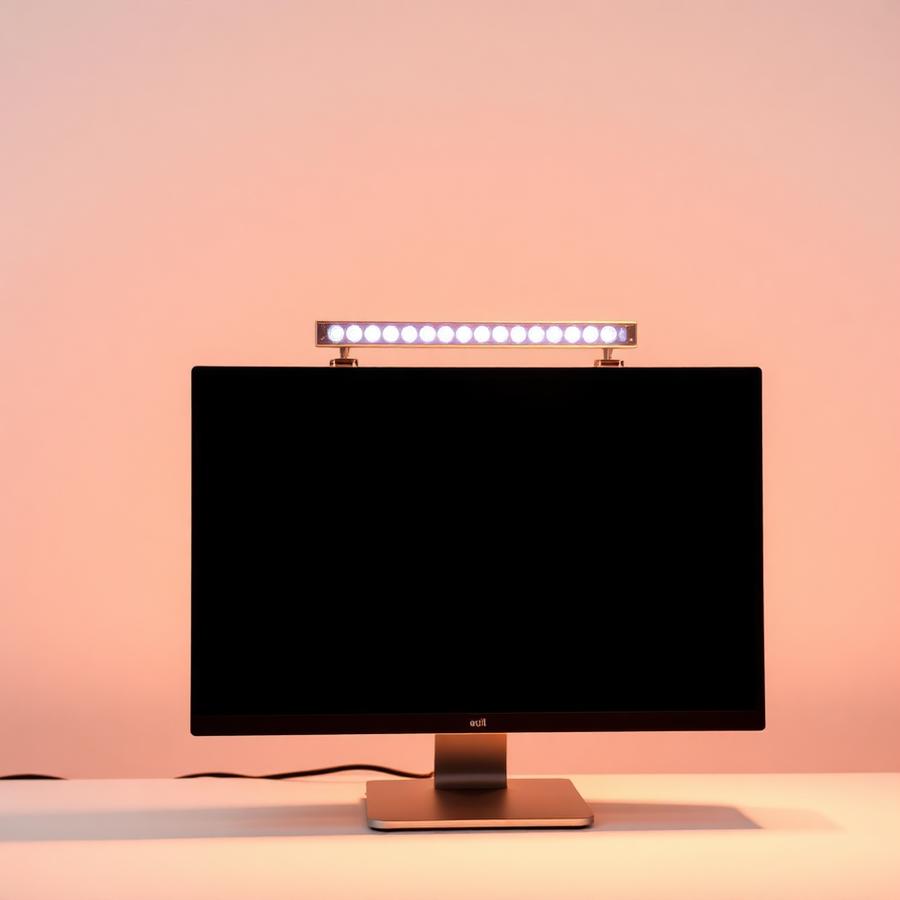 Curved Monitor Light Bar with RGB Backlight Curved Monitor Light Bar with RGB Backlight | 4.7 | Large ultrawide curved monitors and glare-free late-night work | $59 |
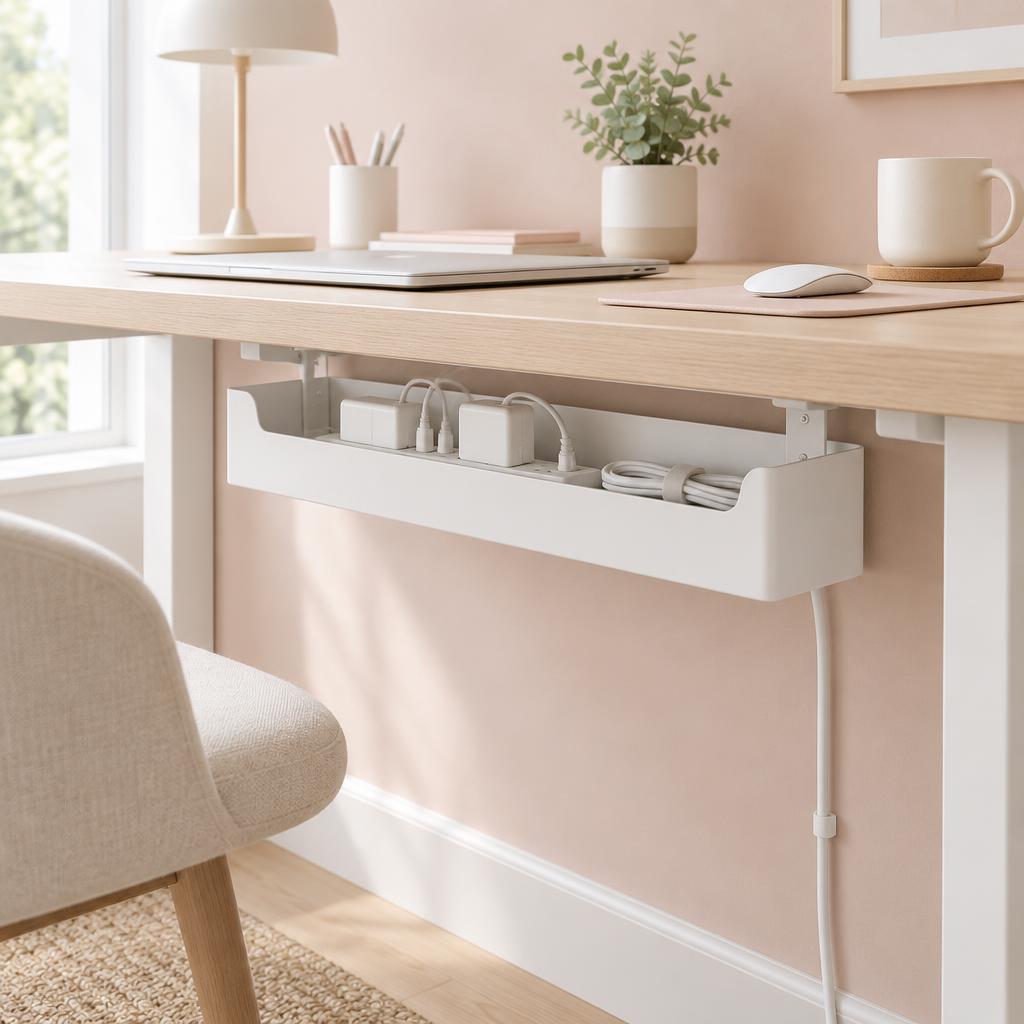 Under Desk Cable Management Box Under Desk Cable Management Box | 4.8 | Home offices with multiple cords, power strips, and chargers that need to be neatly hidden and organized. | $20.74 |
Frequently asked questions
How do I know if my monitor will fit an arm?
Check for a VESA hole pattern on the back — usually 75x75mm or 100x100mm — and compare your screen's weight to the arm's rated range. Screens without VESA holes need an adapter bracket.
Clamp or grommet mount?
A clamp is the right choice for almost every home desk and needs a free rear edge about an inch thick. Grommet mounting is for desks that already have a cable hole.
Will an arm damage my desk?
Not on a solid or well-built engineered desk, provided you use the supplied pad and don't overtighten. Thin glass and hollow-core tops are the risky ones — check the desk's own guidance.
How high should the screen sit?
The top of the screen roughly level with your eyes, about an arm's length away. If you wear progressive lenses, drop it a couple of inches lower.
Do I need a gas-spring arm or is a fixed riser enough?
A fixed riser is fine if you sit in one position all day and want the shelf space underneath. A gas-spring arm earns its price if you switch between sitting and standing or share the desk.
Can one arm hold two monitors?
Dual arms exist, but they need a sturdy desk and enough rear clearance. For two large screens, two single arms are usually steadier than one dual arm.
Save for later
Monitor Arms for a Clean, Comfortable Desk: Our Top Picks
The Chic Workspace
Pin this article
Written by
Isabelle Marchetti
Isabelle is a certified ergonomics enthusiast and interior-obsessed remote worker. She has tested more than 80 desks, chairs, and accessories so you can build a workspace that is as kind to your body as it is to your eyes.
More about Isabelle →Keep reading
You may also like
Monitor Arm vs. Monitor Stand: Which Is Better for Your Neck?
We compared both on flexibility, desk space, and price. The differences surprised us — and changed how we set up dual screens.
Read article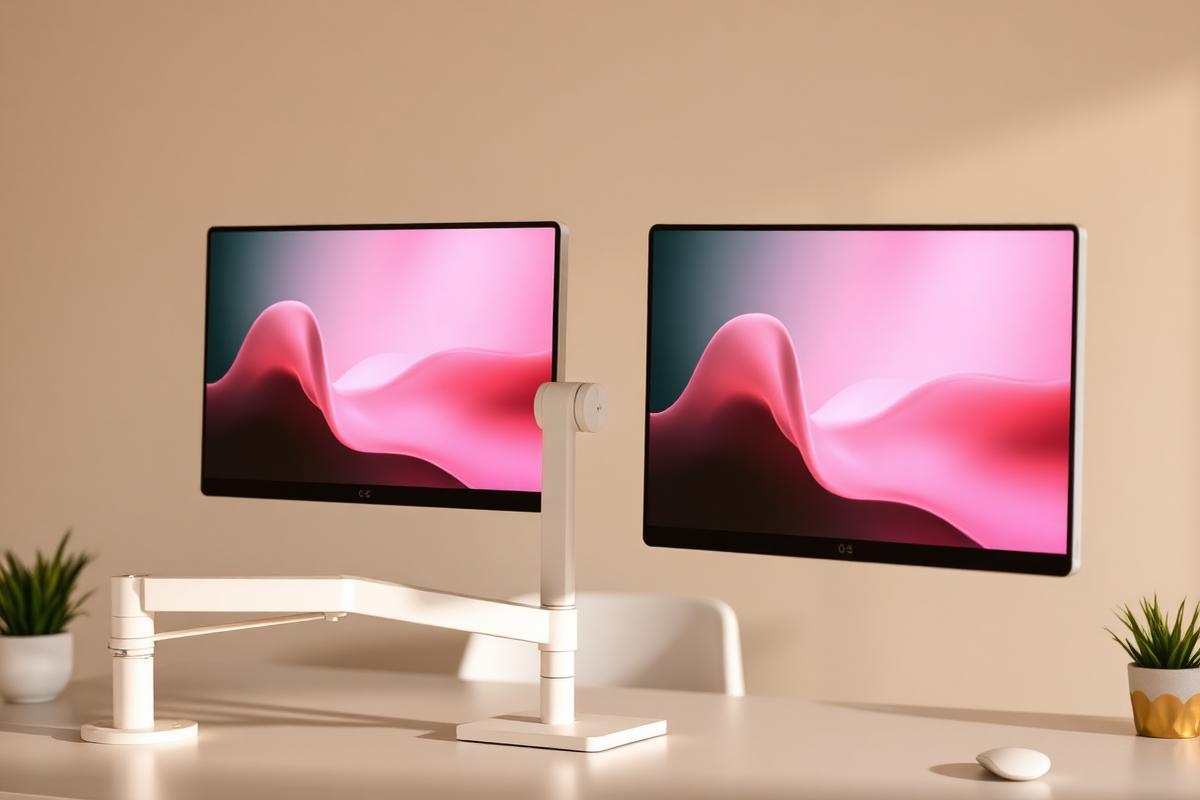
How to Set Up Dual Monitors Without Wrecking Your Neck
Side-by-side or primary-plus-secondary? Screen placement decides whether two monitors help or hurt.
Read article
Office Chairs for Small Spaces: Comfortable, Chic & Ergonomic
Compact ergonomic chairs that support your back, tuck under a narrow desk, and still look beautiful in a living room or bedroom.
Read article