Set Up a Dual Monitor Desk Without the Cluttered Look
Two screens do not have to mean a messy desk. Here is how to align, raise and hide everything so the setup looks calm and intentional.
Key takeaways
- One continuous riser makes two monitors read as a single object.
- Match the heights and the tilt angle — mismatched screens are what looks messy.
- Route both power cables and the hub to one box under the desk, not across it.
This article contains affiliate links. If you purchase through our links, The Chic Workspace may earn a commission at no additional cost to you. As an Amazon Associate I earn from qualifying purchases. We only recommend products we believe are useful for creating a beautiful, functional workspace. Read our affiliate disclosure.
Decide on symmetrical or primary-and-secondary
If you use both screens equally, centre the seam between them on your body. If one is your main screen, put it straight ahead and angle the second in at roughly 30 degrees so it curves toward you.
Pick one and commit. Most cluttered-looking setups are simply two screens placed at slightly different distances and angles.
Get both screens to the same height
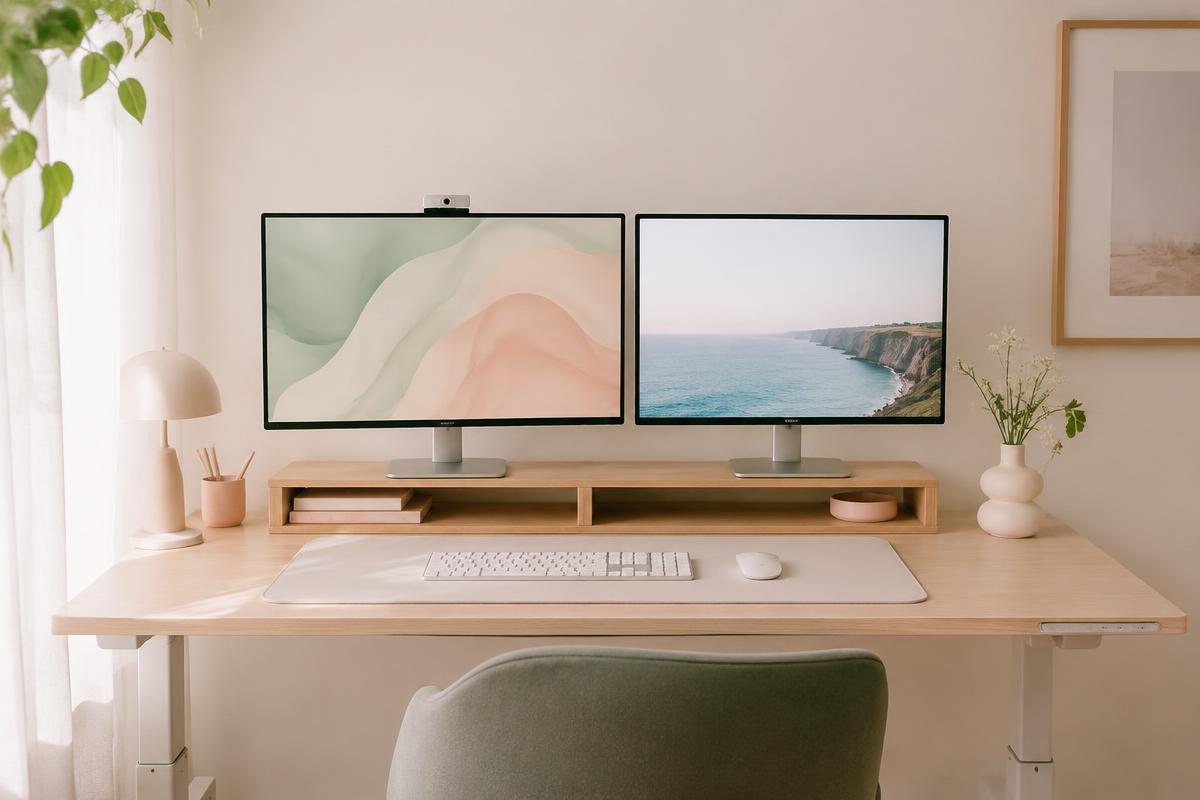
The top of each screen should sit at or just below eye level, with both tops on the same line. A single wide riser does this beautifully and gives you a shelf for a keyboard underneath.
If your monitors have different stand heights, a riser with a drawer under one of them levels things up and swallows pens, sticky notes and a notebook at the same time.
Hide the cables that cause the mess
Two monitors means two power bricks, two video cables and usually a hub. Gather them behind the riser, run them down one desk leg with adhesive clips, and land everything in a covered box on the floor.
A single cable to the wall is the difference between a setup that looks styled and one that looks temporary.
Style the negative space
Once the screens are aligned, resist filling the gap. One small vase or a candle at the side, a desk mat to anchor the keyboard, and nothing else on the surface is what makes it look considered.
Products mentioned
| Product | Rating | Best for | Price |
|---|---|---|---|
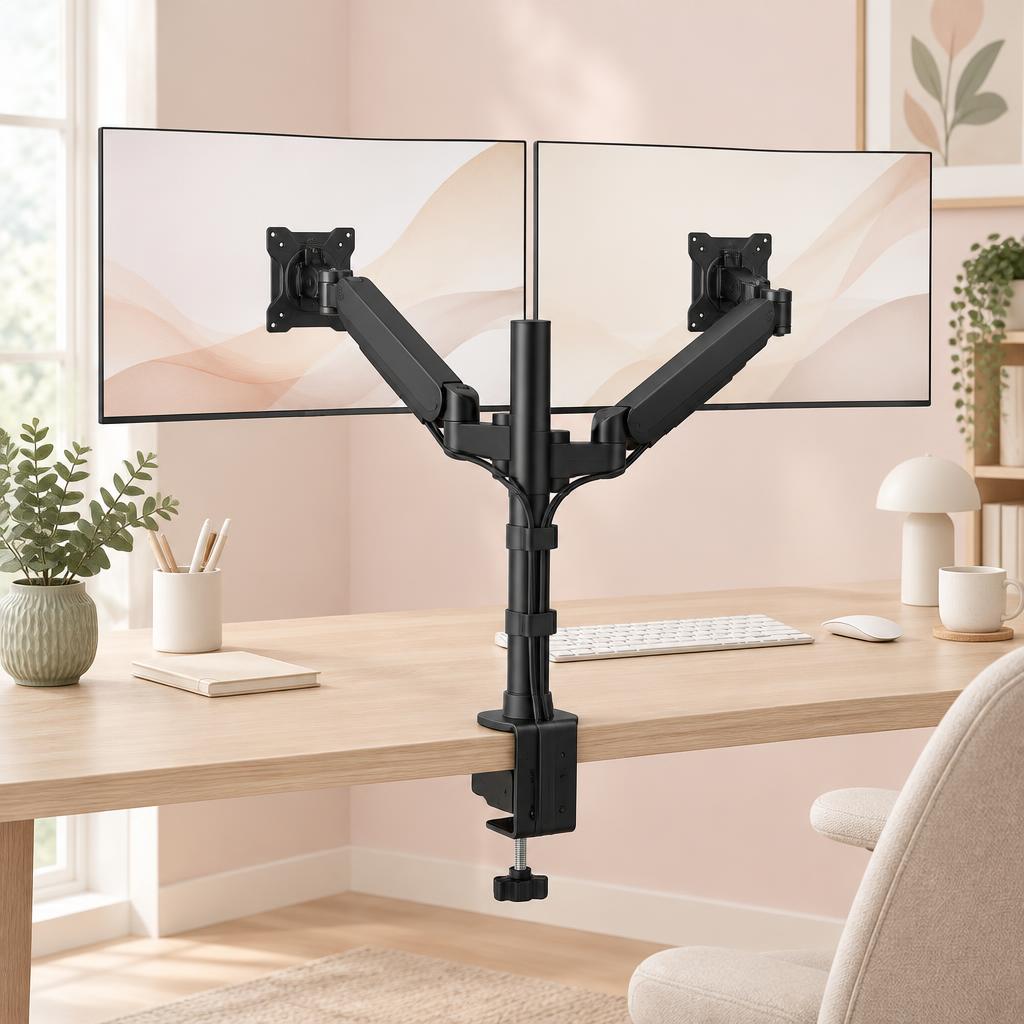 Dual Monitor Stand Dual Monitor Stand | 4.6 | Home-office users, multitaskers, and gamers who want a cleaner desk and more flexible dual-monitor setup. | $59.99 |
 gianotter Monitor Stand Riser with Drawer & Pen Holders gianotter Monitor Stand Riser with Drawer & Pen Holders | 4.7 | Keeping a clean, organized desk with everything within reach | $29.99 |
 Single Computer Monitor Stand with Cable Management Single Computer Monitor Stand with Cable Management | 4.4 | Home-office users with a single monitor who want to free up desk space and improve screen positioning. | $30.23 |
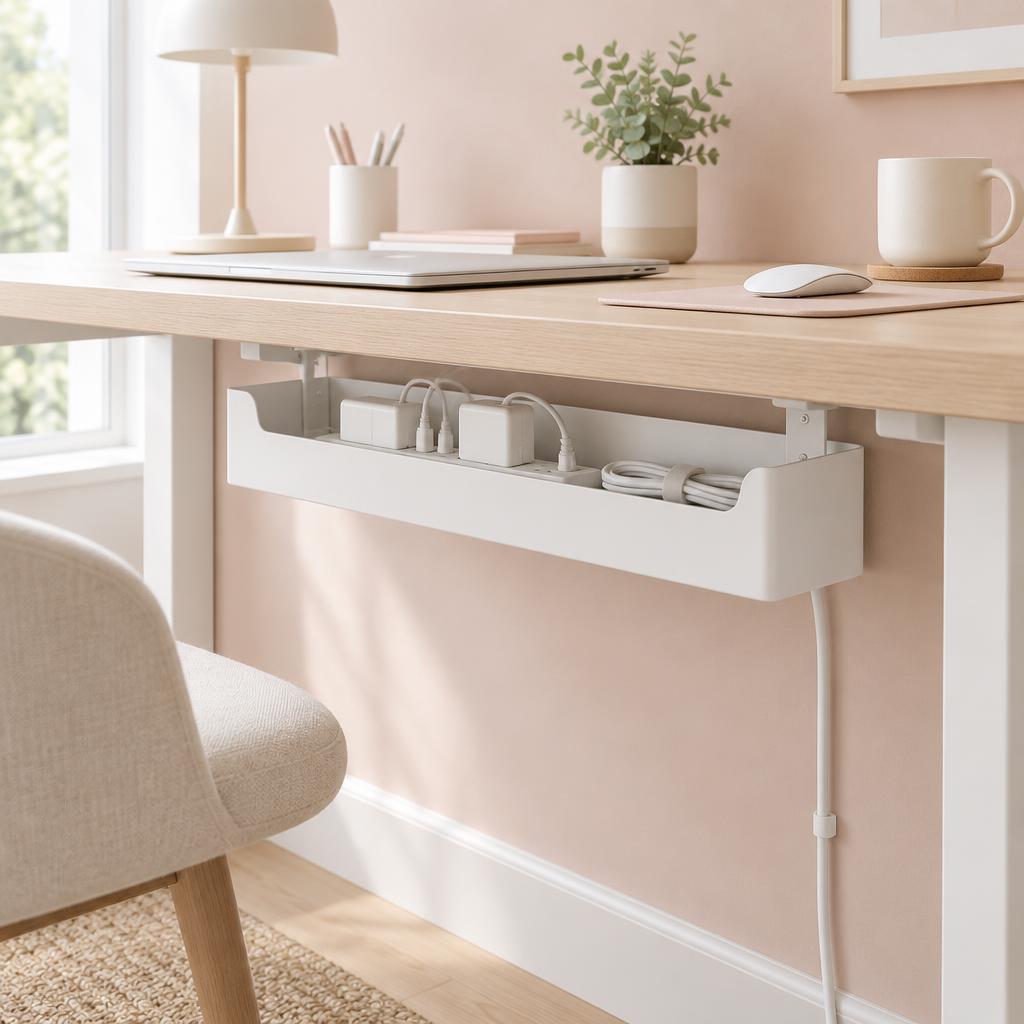 Under Desk Cable Management Box Under Desk Cable Management Box | 4.8 | Home offices with multiple cords, power strips, and chargers that need to be neatly hidden and organized. | $20.74 |
Frequently asked questions
How far apart should two monitors be?
As close as the bezels allow. A gap in the middle forces bigger head turns and immediately looks untidy.
Should both monitors be the same size?
It helps enormously. If they differ, match the top edges rather than the bottoms so your eye line stays level across both.
Riser or monitor arms for a clean look?
Arms clear the desk surface completely and are the cleanest option. A riser is cheaper, needs no clamping and gives you storage underneath — better for rentals and glass desks.
How do I stop cables showing behind a desk that floats in the room?
Use a cable tray or box mounted under the desktop, then run one sleeved bundle down a single leg. Nothing should cross the open side.
Is a vertical second monitor a good idea?
For reading long documents or code, yes — and it takes far less width. Set its top edge to match your main screen.
Does a dual setup need a bigger desk?
A 48-inch desk is comfortable for two 24-inch screens if you use a riser and pull the screens back. Depth matters more than width: aim for at least 24 inches so your eyes sit an arm's length away.
Save for later
Set Up a Dual Monitor Desk Without the Cluttered Look
The Chic Workspace
Pin this article
Written by
Isabelle Marchetti
Isabelle is a certified ergonomics enthusiast and interior-obsessed remote worker. She has tested more than 80 desks, chairs, and accessories so you can build a workspace that is as kind to your body as it is to your eyes.
More about Isabelle →Keep reading
You may also like
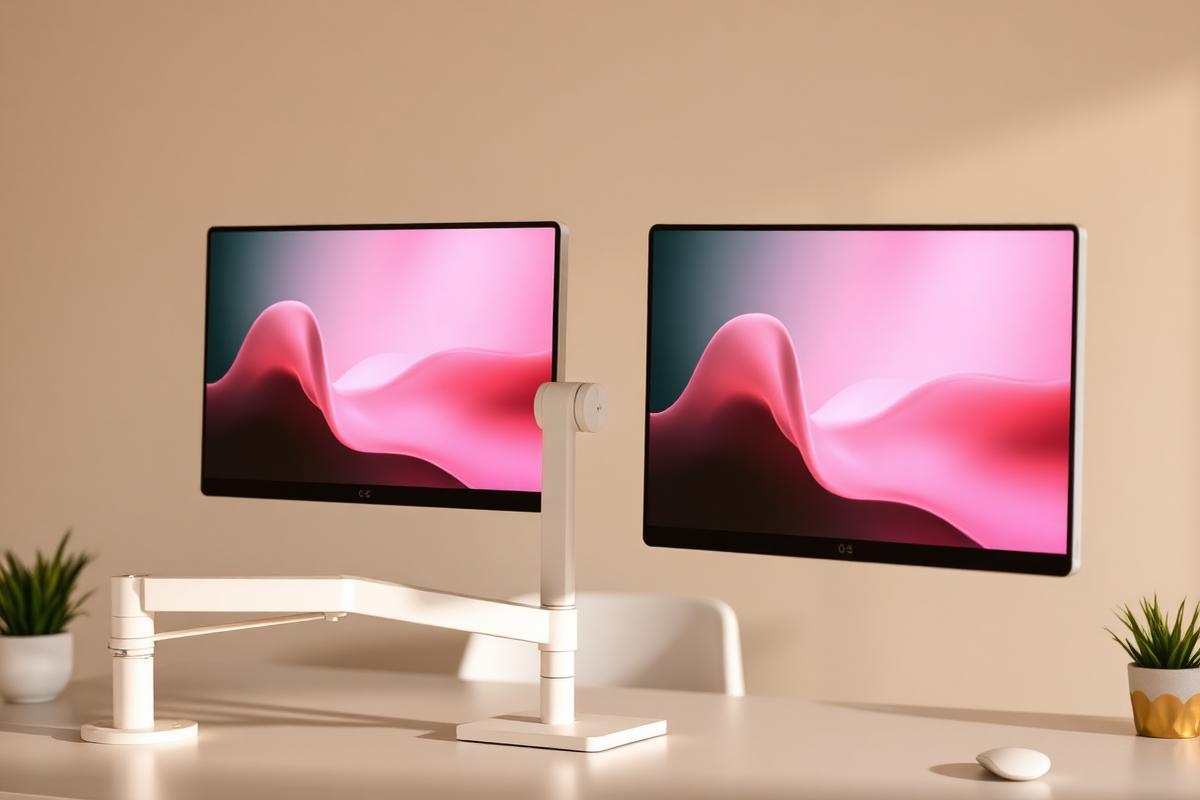
How to Set Up Dual Monitors Without Wrecking Your Neck
Side-by-side or primary-plus-secondary? Screen placement decides whether two monitors help or hurt.
Read article
How to Hide Cords on Your Desk: 7 Clever Ideas
Seven simple, rental-friendly ways to get every cable off your desktop and out of sight — in about an afternoon.
Read article
Office Chairs for Small Spaces: Comfortable, Chic & Ergonomic
Compact ergonomic chairs that support your back, tuck under a narrow desk, and still look beautiful in a living room or bedroom.
Read article